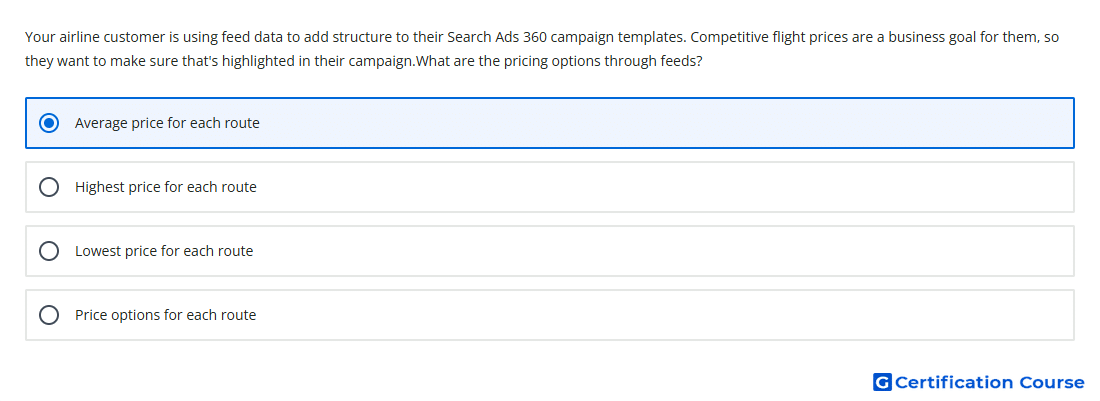
Question: Your airline customer is using feed data to add structure to their Search Ads 360 campaign templates. Competitive flight prices are a business goal for them, so they want to make sure that's highlighted in their campaign.What are the pricing options through feeds?
- Average price for each route
- Highest price for each route
- Lowest price for each route
- Price options for each route
Explanation
Templates in Search Ads 360 can use feed data to build and update campaign elements dynamically. For travel campaigns, feed attributes can support route-based ad copy so pricing stays aligned with structured business data. A route-level aggregate price is useful because it highlights competitive pricing without depending on extreme values. This setup keeps campaign messaging scalable when routes, availability, or pricing data change.
Why the other options are incorrect
Highest price for each route does not support a competitive-price message because it highlights the most expensive value.
Price options for each route is too broad and is not the specific feed-based pricing value used here.
Lowest price for each route is not the pricing option identified for this Search Ads 360 template use case.
Source for verification
https://support.google.com/sa360/answer/12966436?hl=en
https://support.google.com/sa360/answer/13074411?hl=en
The answer(s) to the question is highlighted in the BOLD text above. You can also find more questions and answers related to the exams on the "Search Ads 360" page.