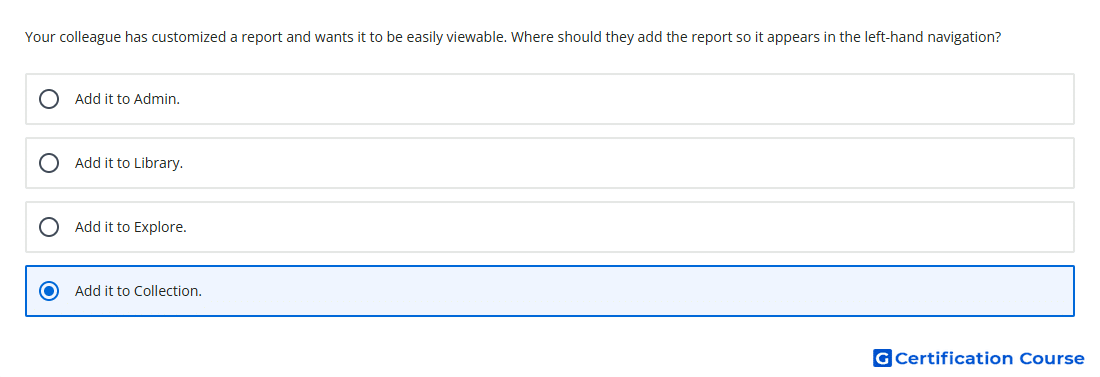
Question: Your colleague has customized a report and wants it to be easily viewable. Where should they add the report so it appears in the left-hand navigation?
- Add it to Collection.
- Add it to Library.
- Add it to Explore.
- Add it to Admin.
Explanation
A customized report must be added to a collection for it to appear in the left-hand navigation. In Google Analytics, collections are groups of reports shown in the Reports section. The Library is where reports and collections are managed, but visibility in navigation depends on adding the report to a collection. This makes the customized report easier to access from the report navigation.
Why the other options are incorrect
Admin manages property settings and configuration, not report navigation placement.
Library is where reports and collections are edited, but the report must be placed in a collection to appear in navigation.
Explore is used for custom analysis techniques, not for adding reports to the left-hand report navigation.
Source for verification
https://support.google.com/analytics/answer/10445879
The answer(s) to the question is highlighted in the BOLD text above. You can also find more questions and answers related to the exams on the "Google Analytics Certification" page.
The answer is collections, please edit this.
Updated