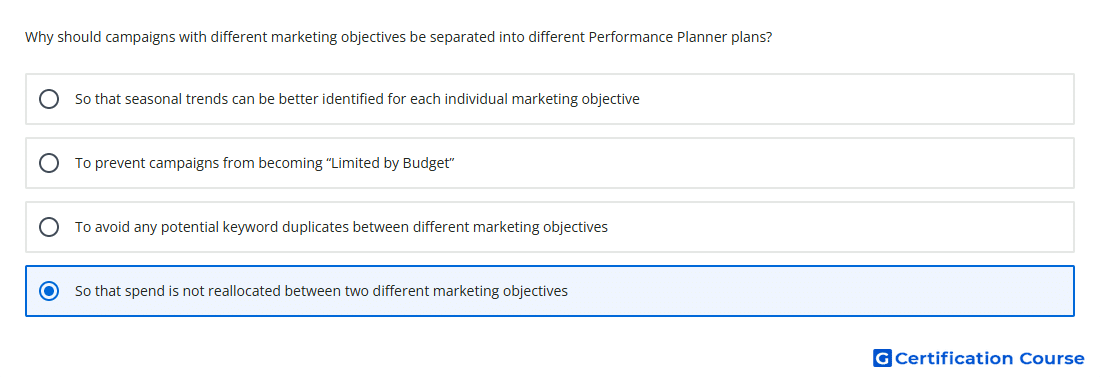
Question: Why should campaigns with different marketing objectives be separated into different Performance Planner plans?
- So that spend is not reallocated between two different marketing objectives
- To avoid any potential keyword duplicates between different marketing objectives
- So that seasonal trends can be better identified for each individual marketing objective
- To prevent campaigns from becoming “Limited by Budget”
Explanation
The Performance Planner is designed to find the most efficient distribution of a total budget to maximize a specific, single metric - such as total conversions or conversion value. If you group campaigns with different marketing objectives (e.g., one for "Brand Awareness" and one for "Sales") into a single plan, the tool will treat the entire budget as one pool. Because "Sales" campaigns typically have higher direct conversion rates, the algorithm will naturally suggest shifting funds away from the "Awareness" campaign to maximize the primary goal. Separating them ensures that the budget intended for top-of-funnel reach is protected and optimized independently from bottom-of-funnel conversion goals.
Why the other options are incorrect
Keyword duplicates are managed at the campaign and ad group levels through negative keywords and match types; the planner is a forecasting tool and does not resolve structural keyword conflicts.
Seasonal trends are automatically accounted for by the planner’s underlying data for all campaigns, regardless of whether they are in the same plan or separate ones.
Preventing "Limited by Budget" status is a result of increasing the budget itself, not a function of how many plans you create within the forecasting tool.
Source for verification
https://support.google.com/google-ads/answer/9230124
The answer(s) to the question is highlighted in the BOLD text above. You can also find more questions and answers related to the exams on the "Google Ads Display Certification" page.