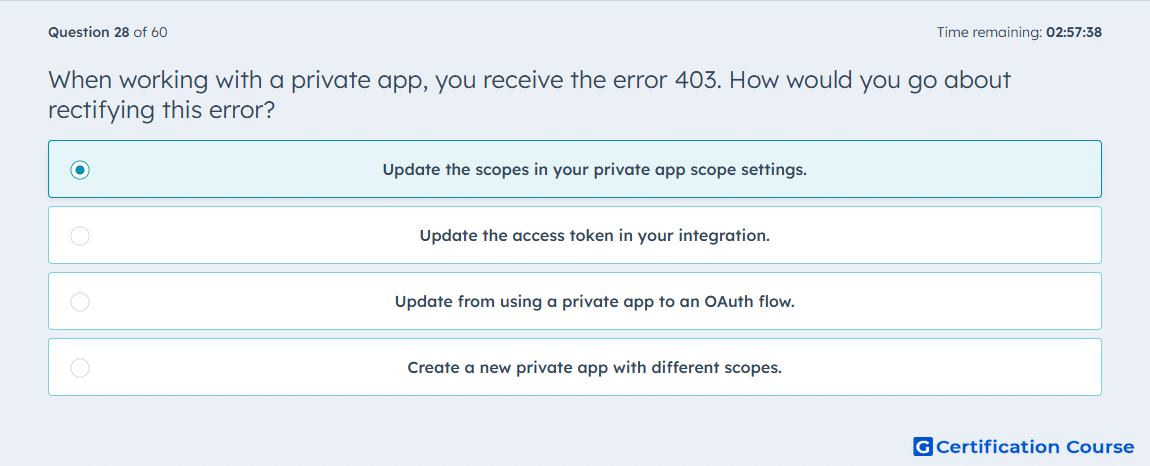
Question: When working with a private app, you receive the error 403. How would you go about rectifying this error?
- Update the scopes in your private app scope settings.
- Update the access token in your integration.
- Update from using a private app to an OAuth flow.
- Create a new private app with different scopes.
Explanation
A 403 response usually means the request is authenticated but not permitted for the requested resource or action. In Amazon Ads workflows, this points to missing or insufficient authorization scopes rather than a general token-format issue. The integration must be granted the correct permissions before it can access protected API resources. Updating the allowed scopes aligns the app’s access with the operation being requested. Replacing the token without correcting permissions will not resolve the underlying access limitation.
Why the other options are incorrect
Access token This may refresh credentials, but it does not fix missing permission scopes.
OAuth flow This changes the authorization model, but the issue is insufficient permission for the current app.
New private app This is unnecessary when the existing app’s scope settings can be updated.
Source for verification
https://advertising.amazon.com/API/docs/en-us/guides/account-management/authorization/overview
https://advertising.amazon.com/API/docs/en-us/guides/account-management/authorization/access-tokens
The answer(s) to the question is highlighted in the BOLD text above. You can also find more questions and answers related to the exams on the "Integrating With HubSpot I: Foundations" page.