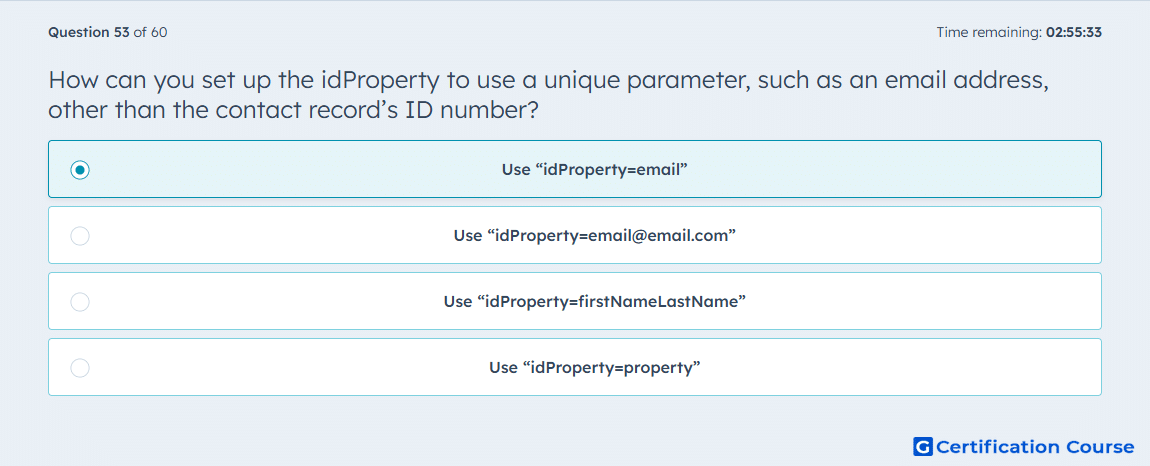
Question: How can you set up the idProperty to use a unique parameter, such as an email address, other than the contact record’s ID number?
- Use “idProperty=email”
- Use “[email protected]”
- Use “idProperty=firstNameLastName”
- Use “idProperty=property”
Explanation
The idProperty query parameter tells HubSpot which unique property should be used to identify the record. For contacts, email can be used instead of the contact record ID when the request supports alternate identifiers. This is useful when an integration stores email addresses but not HubSpot record IDs. The parameter keeps the API call targeted to the correct contact without requiring a separate lookup first. The property used must be unique enough for reliable record identification.
Why the other options are incorrect
email address only This is incorrect because the API needs the idProperty parameter name, not only the email value.
idProperty=firstNameLastName This is incorrect because first and last name are not reliable unique identifiers.
idProperty=property This is incorrect because the parameter must name the specific property being used, not the generic word property.
Source for verification
https://developers.hubspot.com/docs/guides/api/crm/using-object-apis
The answer(s) to the question is highlighted in the BOLD text above. You can also find more questions and answers related to the exams on the "Integrating With HubSpot I: Foundations" page.