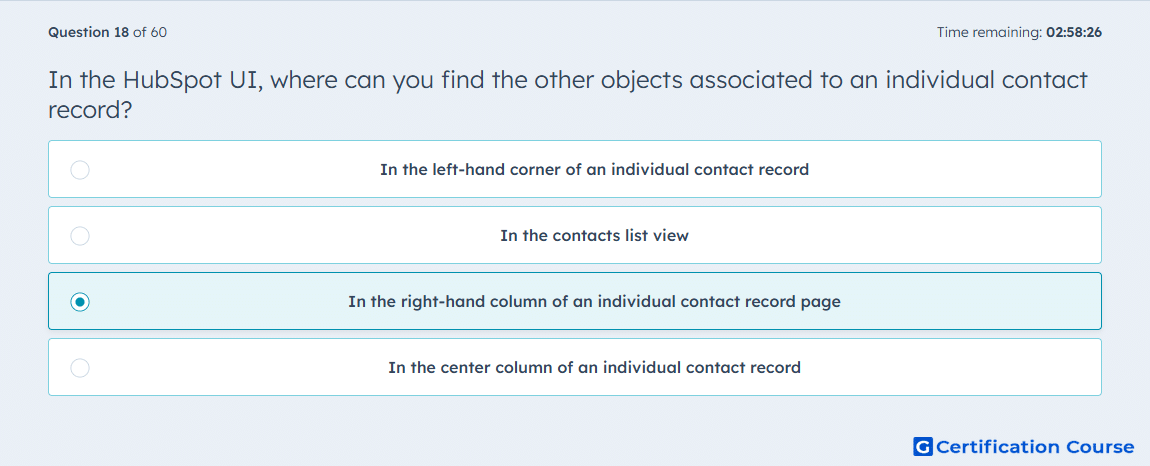
Question: In the HubSpot UI, where can you find the other objects associated to an individual contact record?
- In the left-hand corner of an individual contact record
- In the contacts list view
- In the right-hand column of an individual contact record page
- In the center column of an individual contact record
Explanation
HubSpot displays related records for an individual contact record inside the record page layout. The associated objects are shown in the sidebar area where linked companies, deals, tickets, and other records can be reviewed. This placement helps users understand the contact’s relationship with other CRM records without leaving the record page. The center area is mainly used for timeline activity, while list views show multiple contacts rather than one contact’s full relationship context.
Why the other options are incorrect
Left-hand corner This is incorrect because that area does not display the contact’s associated object cards.
Contacts list view This is incorrect because list view shows multiple contact records, not the associated objects for one selected record.
Center column This is incorrect because the center area is mainly used for record activity and timeline details.
Source for verification
https://knowledge.hubspot.com/records/view-and-filter-records
https://knowledge.hubspot.com/records/associate-records-to-activities-or-other-records
The answer(s) to the question is highlighted in the BOLD text above. You can also find more questions and answers related to the exams on the "Integrating With HubSpot I: Foundations" page.