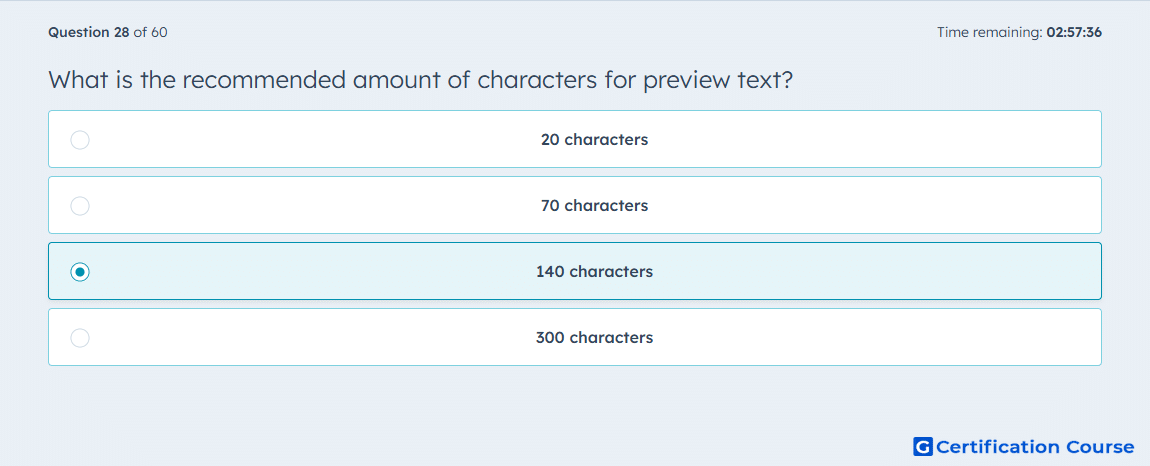
Question: What is the recommended amount of characters for preview text?
- 20 characters
- 70 characters
- 140 characters
- 300 characters
Explanation
Preview text supports the subject line by adding context in the inbox before the email is opened. A concise length helps the message remain readable across different email clients and devices. HubSpot lets marketers define or generate preview text as part of the marketing email setup process. The goal is to provide useful context without overcrowding the inbox preview.
Why the other options are incorrect
20 characters is incorrect because it is usually too short to add meaningful context.
70 characters is incorrect because it may limit the supporting message more than the recommended guidance.
300 characters is incorrect because it is too long for typical inbox preview display.
Source for verification
https://knowledge.hubspot.com/marketing-email/create-and-send-marketing-emails
The answer(s) to the question is highlighted in the BOLD text above. You can also find more questions and answers related to the exams on the "HubSpot Email Marketing" page.