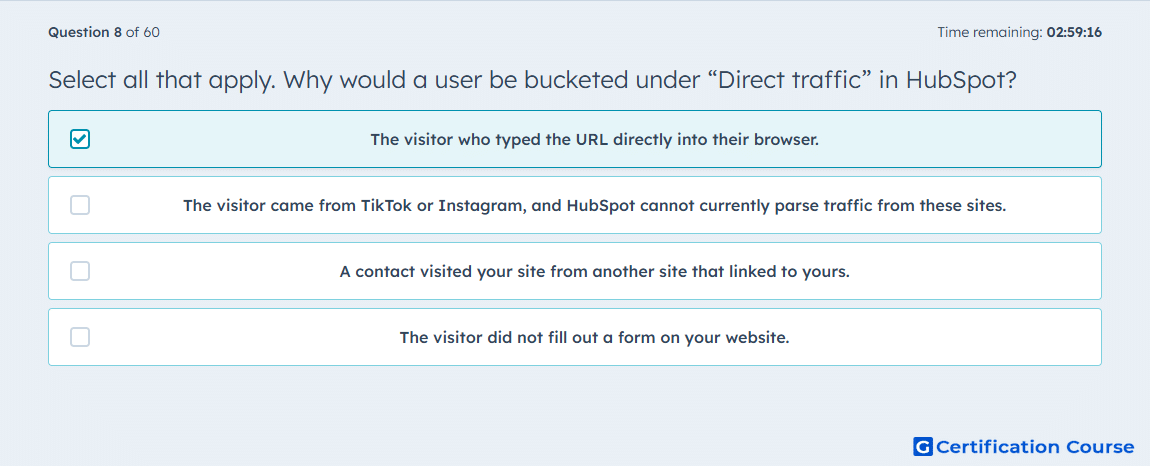
Question: Select all that apply. Why would a user be bucketed under “Direct traffic” in HubSpot?
Below answer is for: Inbound Marketing Optimization Exam
- The visitor who typed the URL directly into their browser.
- The visitor came from TikTok or Instagram, and HubSpot cannot currently parse traffic from these sites.
- A contact visited your site from another site that linked to yours.
- The visitor did not fill out a form on your website.
or
- The visitor who submitted the form has opted to not accept cookies from your site, or ignored the banner completely.
- The visitor came from TikTok or Instagram, and HubSpot cannot currently parse traffic from these sites.
- A contact submitted a HubSpot form on a page without the HubSpot tracking code.
- The visitor did not fill out a form on your website.
Explanation
Direct traffic in HubSpot captures visits where the source cannot be determined. This includes visitors typing the URL directly, contacts who block cookies, or submissions on pages missing the HubSpot tracking code. These scenarios prevent HubSpot from attributing the visit to a specific marketing channel. The system defaults to “Direct traffic” to ensure that all interactions are tracked even when source data is unavailable. This helps maintain accurate reporting for contacts and conversions.
Why the other options are incorrect
Option B refers to social referrals, which HubSpot can sometimes parse with proper UTM parameters.
Option C is inbound referral traffic, not direct.
Option D misrepresents form submission behavior; filling out a form is unrelated to direct traffic classification.
Option F duplicates B and is incorrect for the same reason.
Option H repeats D and is unrelated to source attribution.
Source for verification
HubSpot Traffic Sources
The answer(s) to the question is highlighted in the BOLD text above. You can also find more questions and answers related to the exams on the "HubSpot Inbound Marketing Optimization" page.