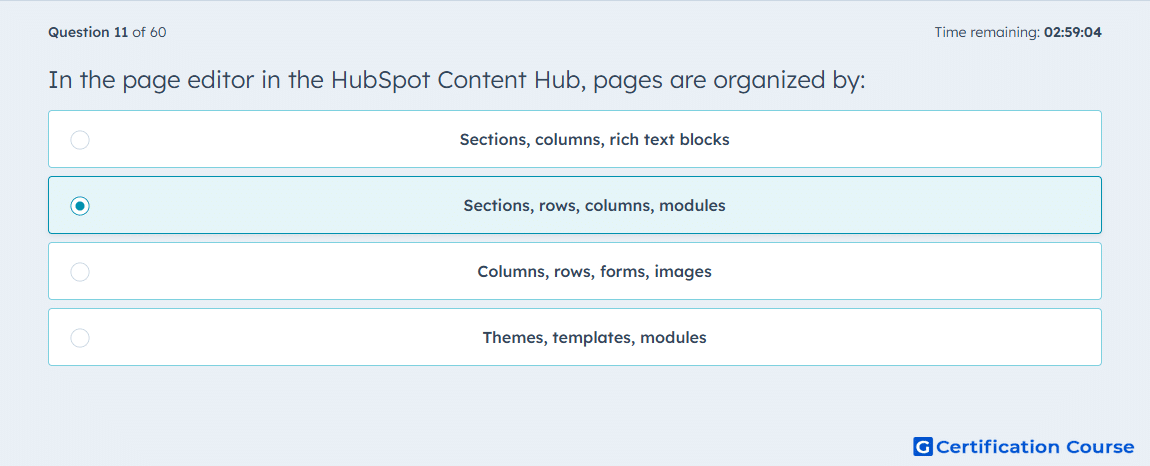
Question: In the page editor in the HubSpot Content Hub, pages are organized by:
- Sections, rows, columns, modules
- Sections, columns, rich text blocks
- Themes, templates, modules
- Columns, rows, forms, images
Explanation
HubSpot’s page editor uses a drag-and-drop layout model, not a design-asset model based on reusable setup files. Inside that editor, the content hierarchy is built from sections into rows and columns, while the editable page elements are handled as modules. HubSpot’s content editor documentation explicitly describes the sidebar as an overview of those four elements. That is the structure used to arrange layout and manage content within a page. HubSpot Knowledge Base+1
Why the other options are incorrect
B) This leaves out rows and modules, and a rich text area is a content type, not one of the full structural levels HubSpot uses in the editor. HubSpot Knowledge Base+1
C) Themes and templates belong to site setup and page creation, not to the internal layout hierarchy shown in the page editor. HubSpot Developers+1
D) Forms and images are examples of module content, not organizational layers used to structure the page. HubSpot Knowledge Base+1
Source for verification
Edit content in the content editor HubSpot Knowledge Base
Drag and Drop areas overview HubSpot Developers
The answer(s) to the question is highlighted in the BOLD text above. You can also find more questions and answers related to the exams on the "HubSpot Content Hub For Marketers" page.