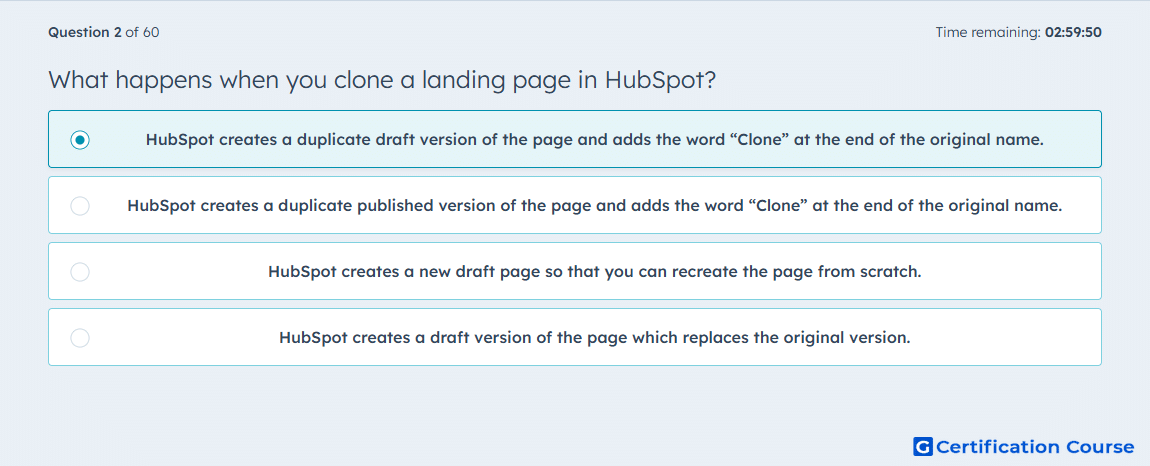
Question: What happens when you clone a landing page in HubSpot?
- HubSpot creates a duplicate draft version of the page and adds the word “Clone” at the end of the original name.
- HubSpot creates a duplicate published version of the page and adds the word “Clone” at the end of the original name.
- HubSpot creates a new draft page so that you can recreate the page from scratch.
- HubSpot creates a draft version of the page which replaces the original version.
Explanation
In Content Hub, cloning creates a separate landing page copy that can be edited independently from the source page. HubSpot sends the cloned landing page into the content editor, which shows that the copy is intended for further editing before it is published. The cloning flow also requires a new internal name, so the copied asset is managed as its own page in the account. Because the original page remains in place while the duplicate is edited separately, cloning follows a draft-copy workflow rather than a publish-or-replace workflow. HubSpot Knowledge Base+1
Why the other options are incorrect
B) Cloning does not publish the copied page automatically; HubSpot routes the new page to the content editor for customization first. HubSpot Knowledge Base+1
C) Cloning does not start from a blank page because it duplicates an existing page as the starting point. HubSpot Knowledge Base
D) Cloning does not replace the source page; HubSpot states that changes to cloned content do not affect the original. HubSpot Knowledge Base
Source for verification
https://knowledge.hubspot.com/website-and-landing-pages/clone-hubspot-content
https://knowledge.hubspot.com/website-and-landing-pages/create-and-customize-pages
The answer(s) to the question is highlighted in the BOLD text above. You can also find more questions and answers related to the exams on the "HubSpot Content Hub For Marketers" page.