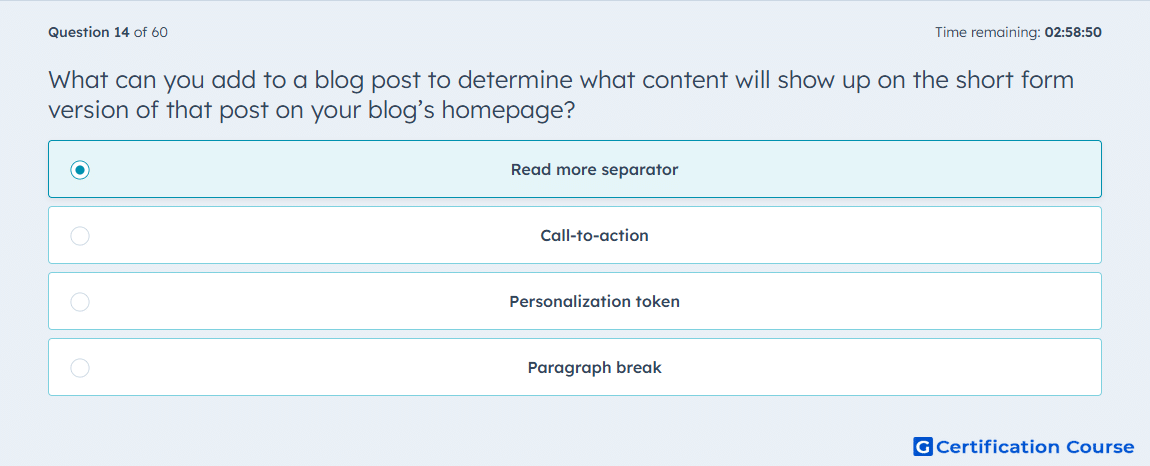
Question: What can you add to a blog post to determine what content will show up on the short form version of that post on your blog’s homepage?
- Read more separator
- Call-to-action
- Personalization token
- Paragraph break
Explanation
HubSpot uses a read more separator to control where the summary ends on the blog listing page. The editor documentation states that this element sets the length of the post summary that appears in the short version of the post. It is inserted from the Blog Content module, which makes it a display control for the preview rather than a content conversion or personalization feature. That is why it determines what visitors see before opening the full post.
Why the other options are incorrect
Call-to-action drives conversion behavior, but it does not define the summary cutoff on the blog listing page.
Personalization token inserts dynamic values and is unrelated to the preview length of a blog post.
Paragraph break changes text formatting only and does not tell HubSpot where the short post version should end.
Source for verification
https://knowledge.hubspot.com/blog/create-and-publish-blog-posts
https://knowledge.hubspot.com/blog/manage-your-blog-template-and-settings
The answer(s) to the question is highlighted in the BOLD text above. You can also find more questions and answers related to the exams on the "HubSpot Marketing Hub Software Certification" page.