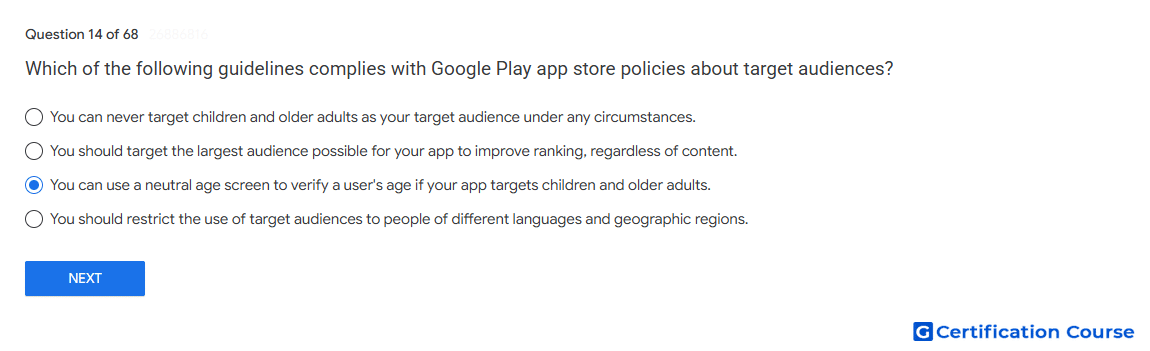
Question: Which of the following guidelines complies with Google Play app store policies about target audiences?
- You can use a neutral age screen to verify a user's age if your app targets children and older adults.
- You can never target children and older adults as your target audience under any circumstances.
- You should target the largest audience possible for your app to improve ranking, regardless of content.
- You should restrict the use of target audiences to people of different languages and geographic regions.
Explanation
A neutral age screen is allowed when an app targets both children and older audiences. Google Play defines it as an age-verification mechanism that does not encourage users to falsify their age. The Target audience and content setting must accurately reflect the age groups the app is designed for. Apps that include children in their target audience must also follow Families Policy Requirements.
Why the other options are incorrect
Never target children and older adults Google Play allows mixed audiences when the app is designed for those age groups and follows child-safety requirements.
Largest audience possible Target age groups must be selected based on app content and design, not ranking goals.
Languages and geographic regions Target audience settings are based on age groups, not only language or location.
Source for verification
https://support.google.com/googleplay/android-developer/answer/9867159
https://support.google.com/googleplay/android-developer/answer/9893335
The answer(s) to the question is highlighted in the BOLD text above. You can also find more questions and answers related to the exams on the "Google Play Store Listing" page.