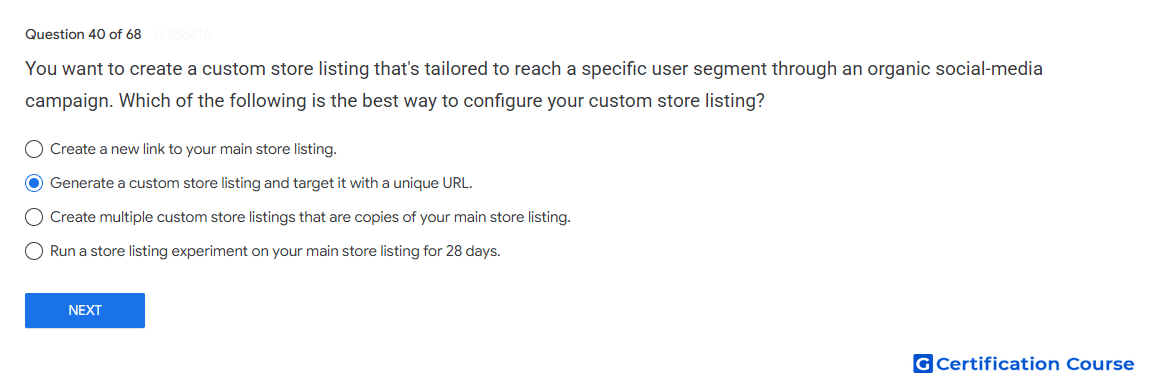
Question: You want to create a custom store listing that's tailored to reach a specific user segment through an organic social-media campaign. Which of the following is the best way to configure your custom store listing?
- Create a new link to your main store listing.
- Generate a custom store listing and target it with a unique URL.
- Create multiple custom store listings that are copies of your main store listing.
- Run a store listing experiment on your main store listing for 28 days.
Explanation
A custom store listing can be served to users who arrive through a specific custom store listing URL. This supports campaign-specific messaging for traffic from channels such as social media. The listing can use tailored text and assets while the main listing remains unchanged for general traffic. This configuration helps match the store listing experience to the intended user segment.
Why the other options are incorrect
Main store listing link A standard listing link does not deliver segment-specific listing content.
Copied main listings Duplicate listings do not create meaningful targeting for a defined campaign audience.
Store listing experiment A store listing experiment tests listing variants; it is not the targeting method for social campaign traffic.
Source for verification
https://support.google.com/googleplay/android-developer/answer/9867158
The answer(s) to the question is highlighted in the BOLD text above. You can also find more questions and answers related to the exams on the "Google Play Store Listing" page.