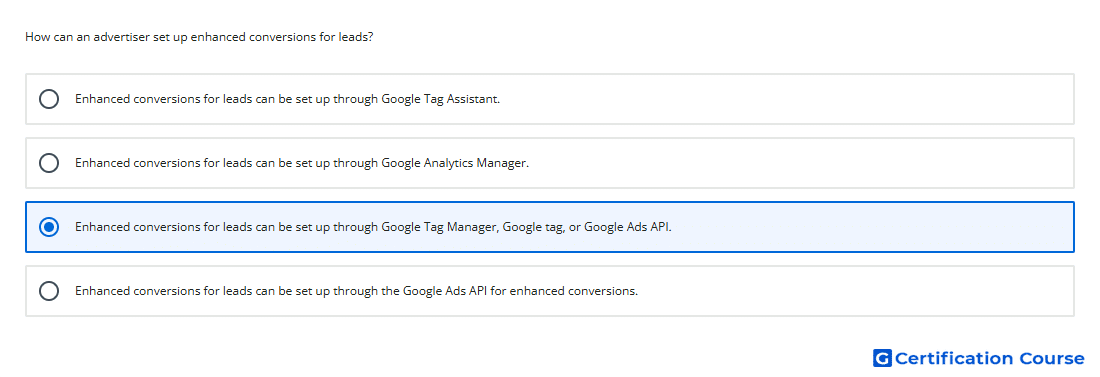
Question: How can an advertiser set up enhanced conversions for leads?
- Enhanced conversions for leads can be set up through Google Tag Manager, Google tag, or Google Ads API.
- Enhanced conversions for leads can be set up through Google Tag Assistant.
- Enhanced conversions for leads can be set up through Google Analytics Manager.
- Enhanced conversions for leads can be set up through the Google Ads API for enhanced conversions.
Explanation
Enhanced conversions for leads can be implemented using Google Tag Manager, the Google tag, or the Google Ads API. These setup options allow hashed first-party lead data to be sent to Google Ads for improved offline conversion measurement. The feature connects website lead submissions to later lead outcomes such as qualified leads or sales. This helps strengthen reporting and Smart Bidding by giving Google Ads more complete conversion signals.
Why the other options are incorrect
Google Tag Assistant helps validate tags, but it is not the setup method for enhanced conversions for leads.
Google Analytics Manager is not a Google Ads implementation method for this feature.
Google Ads API only is incomplete because Google Tag Manager and the Google tag can also be used.
Source for verification
https://support.google.com/google-ads/answer/11021502
The answer(s) to the question is highlighted in the BOLD text above. You can also find more questions and answers related to the exams on the "Google Ads - Measurement Certification" page.