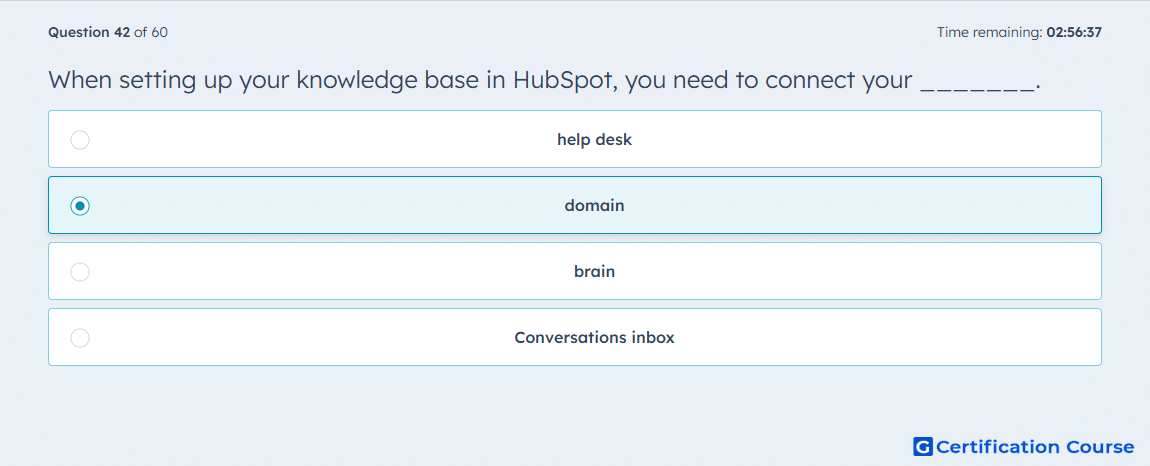
Question: When setting up your knowledge base in HubSpot, you need to connect your _______.
- help desk
- domain
- brain
- Conversations inbox
Explanation
When setting up a knowledge base in HubSpot Service Hub, connecting your domain ensures articles are accessible to customers under a branded URL. This allows proper hosting, SEO optimization, and integration with your website. Without a connected domain, the knowledge base cannot be published or publicly accessed. Connecting the domain maintains a consistent customer experience.
Why the other options are incorrect
Help desk: Not required for knowledge base setup; handles tickets.
Brain: Figurative, not a technical requirement.
Conversations inbox: Manages incoming tickets, unrelated to publishing knowledge base content.
Source for verification
HubSpot Knowledge Base Setup
The answer(s) to the question is highlighted in the BOLD text above. You can also find more questions and answers related to the exams on the "HubSpot Service Hub Software Certification" page.