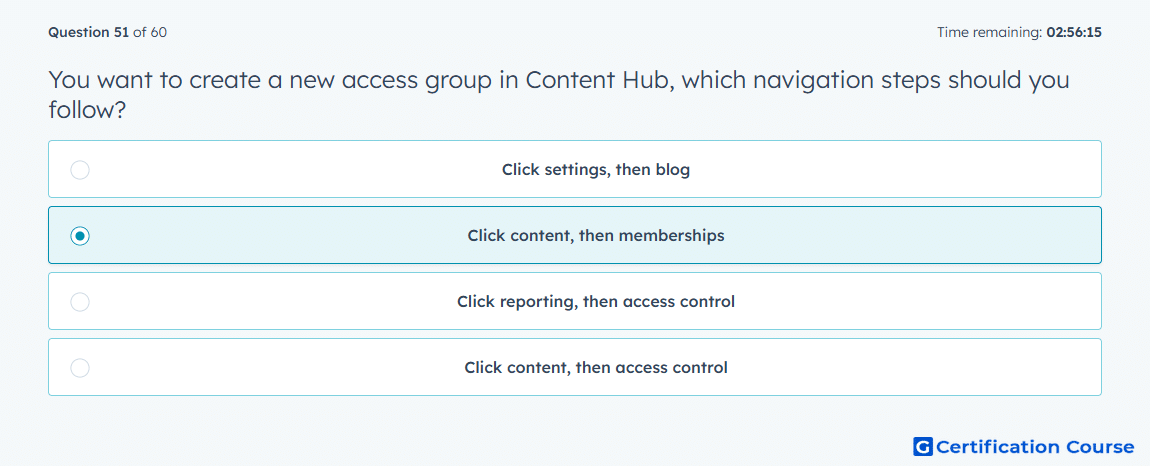
Question: You want to create a new access group in Content Hub, which navigation steps should you follow?
- Click settings, then blog
- Click content, then memberships
- Click reporting, then access control
- Click content, then access control
Explanation
A membership-based access workflow starts where restricted content visibility is managed. In Amazon Ads terminology, account permissions follow the same governance principle by controlling who can access specific resources. This setup supports private-content access by connecting eligible members or lists to the correct access rule. The navigation belongs to the content-access workflow, not reporting, blog setup, or general settings.
Why the other options are incorrect
Settings then blog is incorrect because blog settings do not create membership-based access groups.
Reporting then access control is incorrect because reporting is used for analysis, not access group creation.
Content then access control is incorrect because the membership workflow is the required path for this setup.
Source for verification
https://advertising.amazon.com/help/GM4EFDQQPG9LGL3F
https://advertising.amazon.com/solutions/products/amazon-dsp
The answer(s) to the question is highlighted in the BOLD text above. You can also find more questions and answers related to the exams on the "HubSpot Content Hub Software Certification" page.