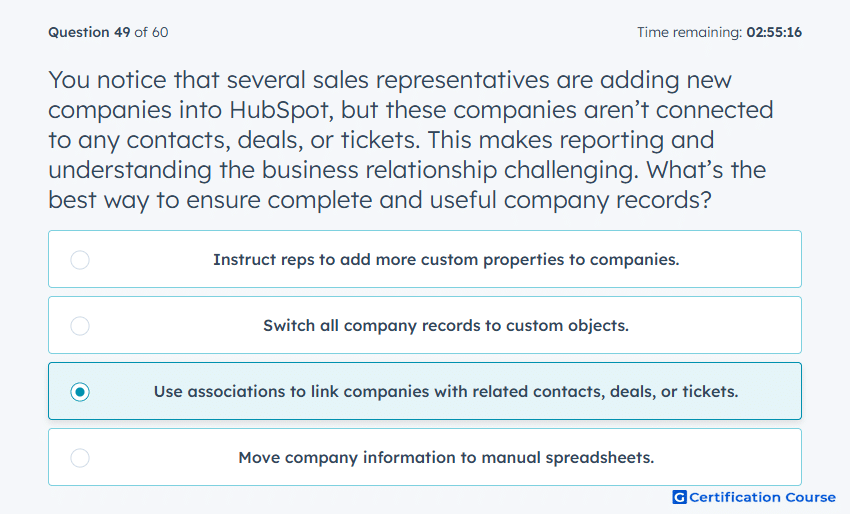
Question: You notice that several sales representatives are adding new companies into HubSpot, but these companies aren’t connected to any contacts, deals, or tickets. This makes reporting and understanding the business relationship challenging. What’s the best way to ensure complete and useful company records?
- Instruct reps to add more custom properties to companies.
- Switch all company records to custom objects.
- Use associations to link companies with related contacts, deals, or tickets.
- Move company information to manual spreadsheets.
Explanation
Using associations links companies with related contacts, deals, or tickets, providing a complete view of relationships and activities. This ensures that reporting, workflows, and automation reflect accurate business interactions. Associations maintain data integrity and support HubSpot’s relational CRM structure. Proper use enables meaningful analytics and relationship tracking across the organization.
Why the other options are incorrect
Instruct reps to add more custom properties to companies does not connect the records to related objects.
Switch all company records to custom objects is unnecessary and complicates the standard CRM structure.
Move company information to manual spreadsheets bypasses HubSpot functionality and prevents automated reporting.
Source for verification
https://knowledge.hubspot.com/crm-objects/associate-objects
The answer(s) to the question is highlighted in the BOLD text above. You can also find more questions and answers related to the exams on the "Data Integrations Certification" page.