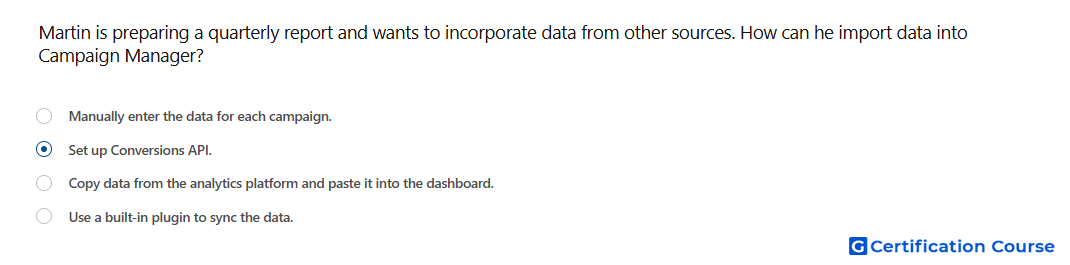
Question: Martin is preparing a quarterly report and wants to incorporate data from other sources. How can he import data into Campaign Manager?
- Manually enter the data for each campaign.
- Use a built-in plugin to sync the data.
- Copy data from the analytics platform and paste it into the dashboard.
- Set up Conversions API.
Explanation
LinkedIn Conversions API allows advertisers to send conversion data from external systems directly into Campaign Manager. It supports server-side data sharing, which helps improve measurement when conversion activity happens outside standard browser-based tracking. This method is useful when advertisers need to connect data from CRM, marketing automation, or other business systems. It strengthens reporting by making imported conversion signals available for LinkedIn campaign measurement and optimization.
Why the other options are incorrect
Manual entry is not a supported method for importing external conversion data into Campaign Manager.
Built-in plugin is not the standard Campaign Manager method named for importing external conversion data.
Copy and paste does not create a reliable data connection for campaign measurement.
Source for verification
https://www.linkedin.com/help/lms/answer/a1657171
https://www.linkedin.com/help/lms/answer/a5680457
The answer(s) to the question is highlighted in the BOLD text above. You can also find more questions and answers related to the exams on the "LinkedIn Marketing Measurement Certification" page.