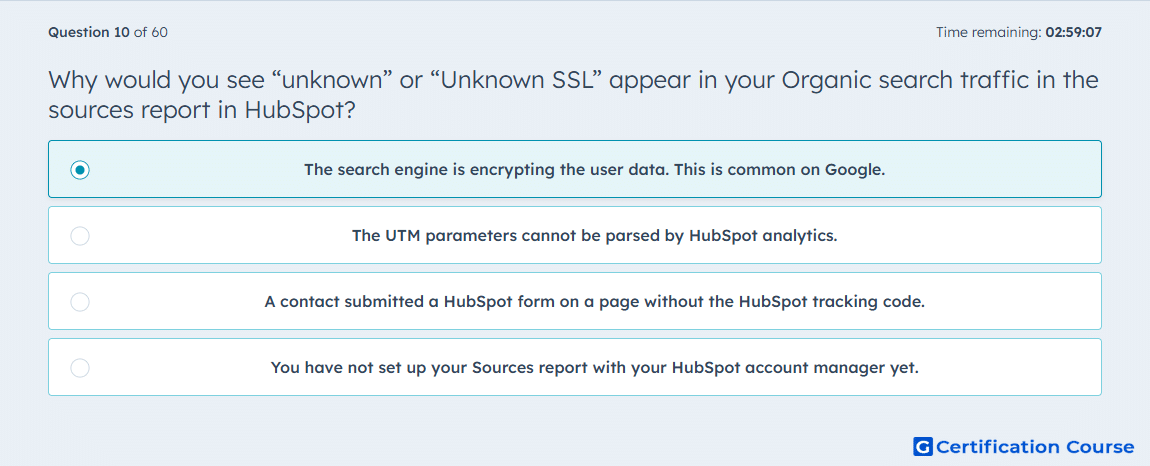
Question: Why would you see “unknown” or “Unknown SSL” appear in your Organic search traffic in the sources report in HubSpot?
- The search engine is encrypting the user data. This is common on Google.
- The UTM parameters cannot be parsed by HubSpot analytics.
- A contact submitted a HubSpot form on a page without the HubSpot tracking code.
- You have not set up your Sources report with your HubSpot account manager yet.
Explanation
HubSpot may show Unknown keywords SSL when organic search keyword details are unavailable due to encrypted search activity. This commonly happens when search engines protect user query data before passing referral information to analytics tools. The visit can still be categorized under Organic search, but the exact keyword or search detail may not be visible. This affects source detail reporting, not whether HubSpot can recognize the broader traffic source.
Why the other options are incorrect
UTM parameters is incorrect because UTM parsing issues relate to campaign tracking, not encrypted organic search keyword data.
Missing tracking code is incorrect because a form submission without tracking code affects contact attribution, not encrypted search term visibility.
Sources report setup is incorrect because HubSpot sources reporting does not require account manager setup to identify this issue.
Source for verification
https://knowledge.hubspot.com/reports/analyze-traffic-with-the-traffic-analytics-tool
The answer(s) to the question is highlighted in the BOLD text above. You can also find more questions and answers related to the exams on the "HubSpot Inbound Marketing Optimization" page.