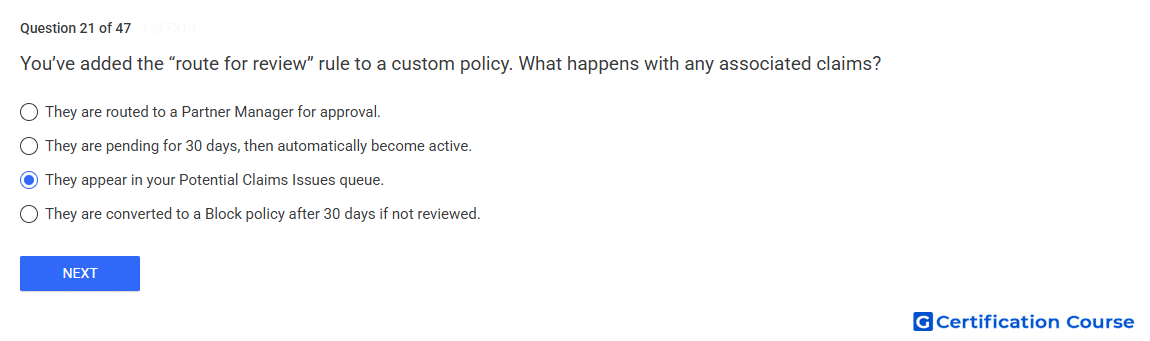
Question: You’ve added the “route for review” rule to a custom policy. What happens with any associated claims?
- They appear in your Potential Claims Issues queue.
- They are pending for 30 days, then automatically become active.
- They are converted to a Block policy after 30 days if not reviewed.
- They are routed to a Partner Manager for approval.
Explanation
When Route for review is added to a match policy, matching claims are treated as potential claims instead of immediately becoming active. The claim remains in place but inactive until manual review is completed. These items appear in Studio Content Manager under Issues when filtered by Potential claim. The routed-review filter is used to find claims specifically sent for manual review.
Why the other options are incorrect
Pending for 30 days is incorrect because routed claims require manual review and do not automatically become active after that period.
Block after 30 days is incorrect because Route for review does not automatically convert the claim action.
Partner Manager approval is incorrect because review is handled in Studio Content Manager, not routed to a Partner Manager.
Source for verification
https://support.google.com/youtube/answer/106966
https://support.google.com/youtube/answer/9948004
The answer(s) to the question is highlighted in the BOLD text above. You can also find more questions and answers related to the exams on the "YouTube Asset Monetization" page.