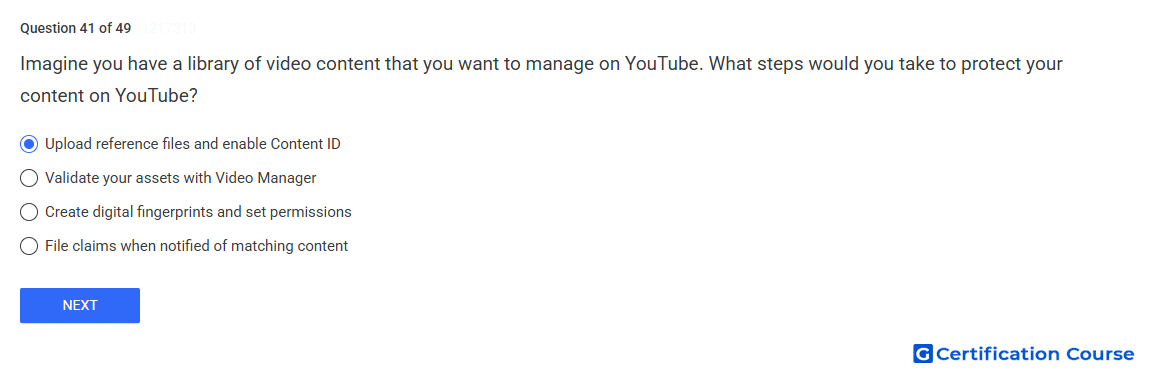
Question: Imagine you have a library of video content that you want to manage on YouTube. What steps would you take to protect your content on YouTube?
- Validate your assets with Video Manager
- Create digital fingerprints and set permissions
- Upload reference files and enable Content ID
- File claims when notified of matching content
Explanation
Content ID protects a content library by comparing uploaded videos against valid reference material. A reference provides the fingerprint YouTube uses to detect matching user-uploaded content. Once matching is enabled, YouTube can apply the selected match policy to claimed videos. This workflow supports scalable rights management for owned video content.
Why the other options are incorrect
Video Manager is not the rights-management tool used to validate assets for Content ID protection.
Digital fingerprints are generated by YouTube from reference material, not manually created as the primary setup step.
Claims are created after matching occurs, so they are not the starting point for protecting a content library.
Source for verification
https://support.google.com/youtube/answer/2797370
https://support.google.com/youtube/answer/107004
The answer(s) to the question is highlighted in the BOLD text above. You can also find more questions and answers related to the exams on the "YouTube Content Ownership" page.