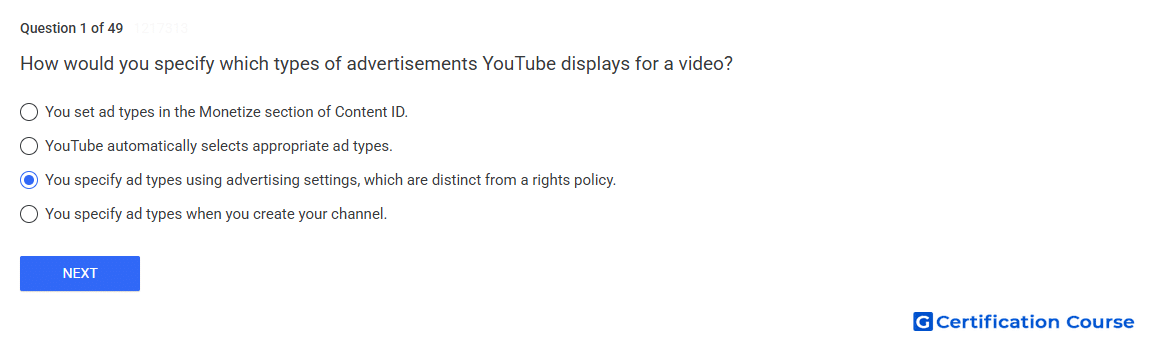
Question: How would you specify which types of advertisements YouTube displays for a video?
- YouTube automatically selects appropriate ad types.
- You set ad types in the Monetize section of Content ID.
- You specify ad types using advertising settings, which are distinct from a rights policy.
- You specify ad types when you create your channel.
Explanation
Advertising settings control which ad formats may appear on a video. These settings are separate from a rights policy, which determines what action YouTube applies to claimed content. A rights policy can monetize a video, but ad format choices are managed through monetization and advertising controls. This separation allows rights management decisions and ad display preferences to be configured independently.
Why the other options are incorrect
Automatic ad selection is incorrect because eligible ad formats can be controlled through advertising settings.
Monetize section of Content ID is incorrect because ad type selection is not the same as a Content ID rights policy.
Channel creation is incorrect because ad types are not permanently specified when a channel is created.
Source for verification
https://support.google.com/youtube/answer/2467968
The answer(s) to the question is highlighted in the BOLD text above. You can also find more questions and answers related to the exams on the "YouTube Content Ownership" page.