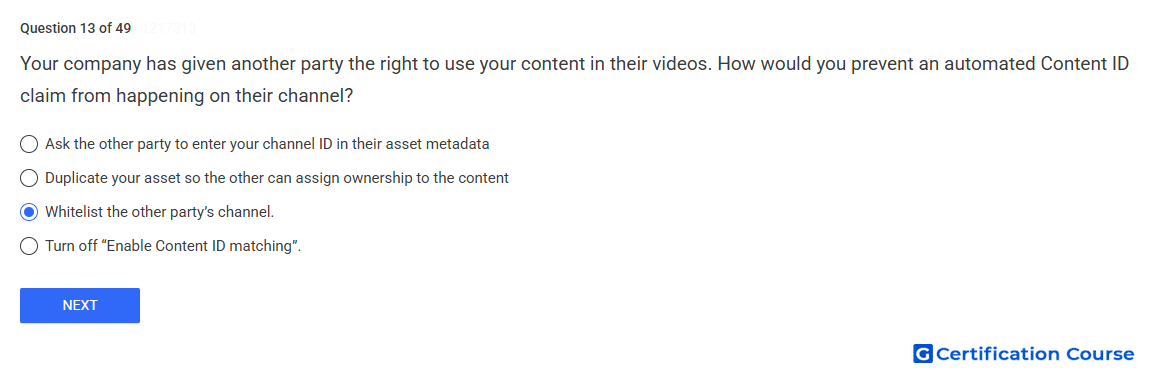
Question: Your company has given another party the right to use your content in their videos. How would you prevent an automated Content ID claim from happening on their channel?
- Ask the other party to enter your channel ID in their asset metadata
- Turn off "Enable Content ID matching"?.
- Whitelist the other party’s channel.
- Duplicate your asset so the other can assign ownership to the content
Explanation
An allowlist prevents Content ID from claiming videos uploaded by specified channels. This is the correct control when another party has permission to use the content. The channel exemption applies to future uploads from that channel, so automated claims are avoided going forward. Existing claims may still need to be released separately if they were created before the channel was added.
Why the other options are incorrect
Channel ID in metadata is incorrect because asset metadata does not exempt a channel from Content ID claims.
Enable Content ID matching is incorrect because turning it off affects matching more broadly, not just the authorized channel.
Duplicate asset is incorrect because duplicating an asset can create ownership and claiming problems instead of exempting the authorized channel.
Source for verification
https://support.google.com/youtube/answer/6070344
https://support.google.com/youtube/answer/2797370
The answer(s) to the question is highlighted in the BOLD text above. You can also find more questions and answers related to the exams on the "YouTube Content Ownership" page.