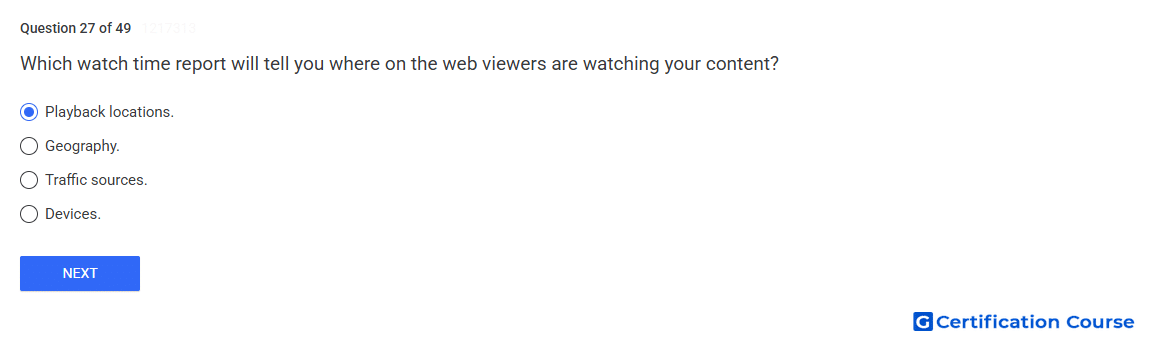
Question: Which watch time report will tell you where on the web viewers are watching your content?
- Playback locations.
- Devices.
- Traffic sources.
- Geography.
Explanation
Playback locations identify the pages or sites where viewers watched content. This report is used to distinguish viewing on YouTube watch pages, embedded players, and other playback surfaces. It supports analysis of where watch time is generated, not how viewers discovered the video. The report may show limited external URL data when traffic is too low.
Why the other options are incorrect
Devices shows the hardware category used to watch, not the web location where playback occurred.
Traffic sources shows how viewers found the content, not where they watched it.
Geography shows viewer location by country or region, not the playback surface.
Source for verification
https://support.google.com/youtube/answer/9101241
https://support.google.com/youtube/answer/2853833
The answer(s) to the question is highlighted in the BOLD text above. You can also find more questions and answers related to the exams on the "YouTube Content Ownership" page.