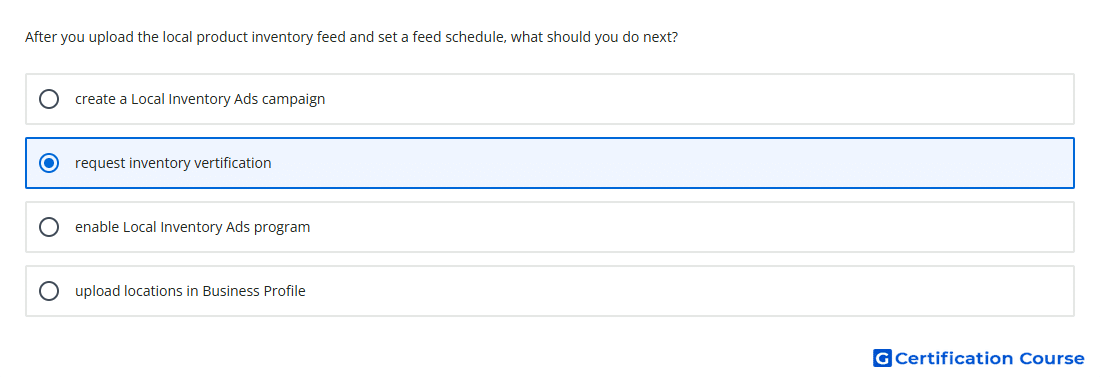
Question: After you upload the local product inventory feed and set a feed schedule, what should you do next?
- request inventory vertification
- upload locations in Business Profile
- enable Local Inventory Ads program
- create a Local Inventory Ads campaign
or
- Create a local inventory ads campaign
- Upload locations in Business Profile
- Request inventory verification
- Enable local inventory ads programme
Explanation
After local inventory data has been uploaded and scheduled, Google must confirm that the submitted store-level inventory is accurate. Inventory verification checks whether product availability and pricing data match what customers can find in physical stores. This step is part of the setup path for local inventory ads and free local listings. It helps protect the quality of local product information before products are eligible to appear for nearby shoppers.
Why the other options are incorrect
Local Inventory Ads campaign comes after the local inventory setup is approved and ready to serve.
Local Inventory Ads program should already be enabled as part of the Merchant Center setup path.
Business Profile locations are required for store information, but this step is not what follows after the inventory feed and schedule are submitted.
Source for verification
https://support.google.com/merchants/answer/14684499
https://support.google.com/merchants/answer/15182106
The answer(s) to the question is highlighted in the BOLD text above. You can also find more questions and answers related to the exams on the "Grow Offline Sales Certification" page.