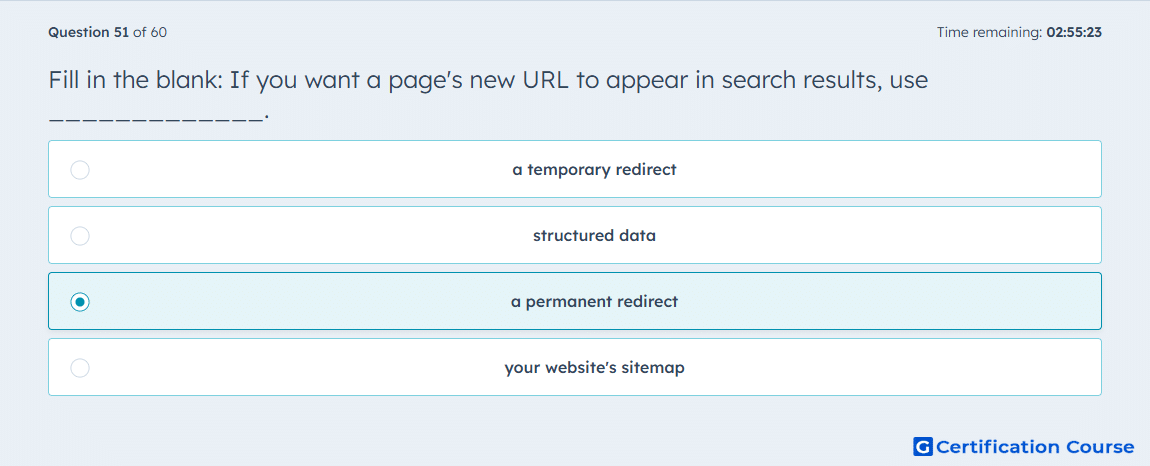
Question: Fill in the blank: If you want a page's new URL to appear in search results, use _____________.
- a temporary redirect
- structured data
- a permanent redirect
- your website's sitemap
Explanation
A Permanent (301) redirect is the correct choice because HubSpot defines it as the redirect style used to send one page URL to another URL on a lasting basis. HubSpot also notes that Temporary (302) is intended for short-term situations such as maintenance or redesign, which makes it the wrong signal for a lasting URL change. When a published page URL is changed, HubSpot creates system redirects automatically, reinforcing that a permanent redirect is the standard mechanism for moving traffic from an old URL to a new one. A sitemap can help discovery, but it does not replace the redirect behavior needed when one URL should be treated as the replacement for another. HubSpot+1
Why the other options are incorrect
temporary redirect is used for short-term changes, so it does not indicate that the new URL should permanently replace the old one in search behavior. HubSpot
structured data helps search engines understand page content, but it does not redirect one URL to another. HubSpot+1
website's sitemap helps search engines find URLs, but it does not forward visitors and crawlers from the old address to the replacement URL. HubSpot+1
Source for verification
HubSpot Knowledge Base: Create and manage URL redirects HubSpot
HubSpot Knowledge Base: Change content URLs HubSpot
The answer(s) to the question is highlighted in the BOLD text above. You can also find more questions and answers related to the exams on the "HubSpot CMS for Developers II" page.