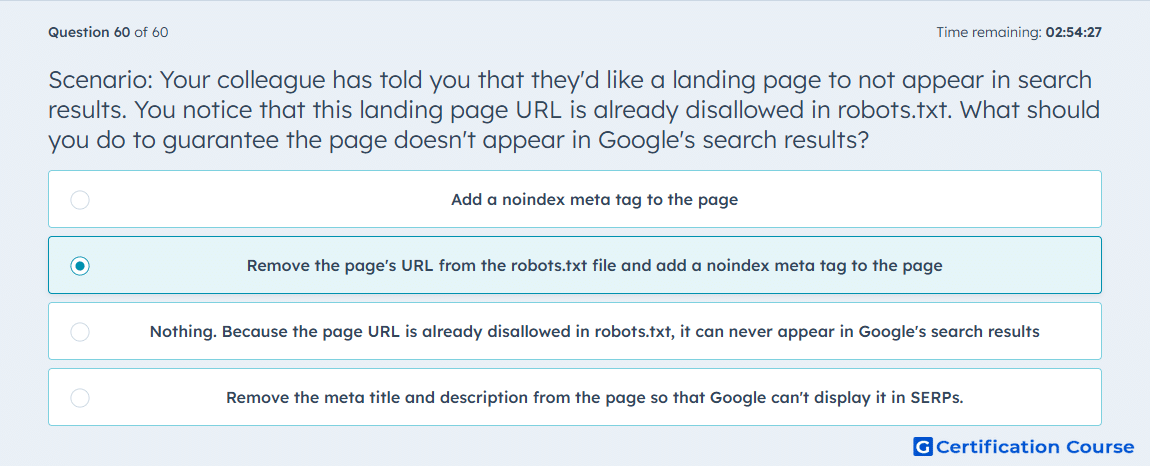
Question: Scenario: Your colleague has told you that they'd like a landing page to not appear in search results. You notice that this landing page URL is already disallowed in robots.txt. What should you do to guarantee the page doesn't appear in Google's search results?
- Add a noindex meta tag to the page
- Remove the page's URL from the robots.txt file and add a noindex meta tag to the page
- Nothing. Because the page URL is already disallowed in robots.txt, it can never appear in Google's search results
- Remove the meta title and description from the page so that Google can't display it in SERPs.
Explanation
HubSpot separates robots.txt from noindex based on whether the page has already been indexed. If the URL stays blocked in robots.txt, Google may not be able to crawl the page and see the noindex directive. HubSpot explicitly says the noindex method should not be combined with the robots.txt method because that prevents search engines from seeing the tag. The correct approach is to remove the URL from robots.txt and add a noindex meta tag so Google can crawl the page, detect the directive, and stop showing it in search results. HubSpot Knowledge Base
Why the other options are incorrect
A) This is incomplete because HubSpot says noindex should not be combined with a robots.txt block that prevents crawlers from seeing the tag. HubSpot Knowledge Base
C) This is incorrect because HubSpot uses robots.txt for content that has not yet been indexed, while already indexed content requires noindex. HubSpot Knowledge Base
D) This is incorrect because HubSpot instructs using a noindex meta tag to stop indexed content from appearing in search results, not removing the meta title and description. HubSpot Knowledge Base
Source for verification
https://knowledge.hubspot.com/seo/prevent-content-from-appearing-in-search-results
The answer(s) to the question is highlighted in the BOLD text above. You can also find more questions and answers related to the exams on the "HubSpot CMS for Developers II" page.