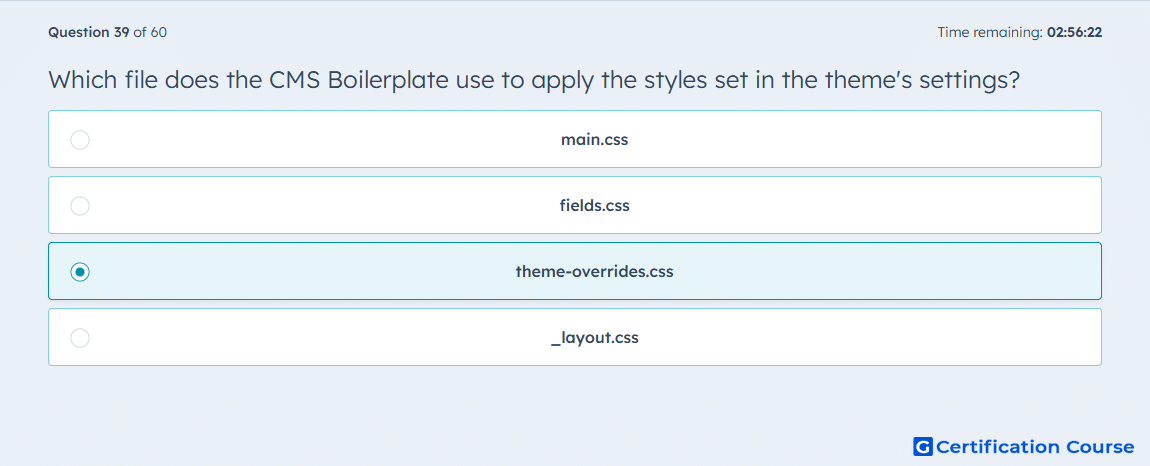
Question: Which file does the CMS Boilerplate use to apply the styles set in the theme's settings?
- main.css
- fields.css
- theme-overrides.css
- _layout.css
Explanation
In the HubSpot CMS Boilerplate, theme setting values are applied through the stylesheet intended for theme-level overrides rather than the base stylesheet. HubSpot’s theme walkthrough specifically instructs developers to open that file and reference values from the theme object, such as {{ theme.footer.height }}, so updates made in theme settings change the rendered styles. HubSpot’s boilerplate example also shows the base template requiring main.css first and then the overrides stylesheet afterward, which makes that later file the layer for configurable theme styling. That separation keeps foundational CSS in one file and theme-editor-driven styling in another. HubSpot Developers+1
Why the other options are incorrect
main.css is the general stylesheet loaded by the boilerplate, but HubSpot shows theme field values being wired into the separate overrides stylesheet instead. HubSpot Developers+1
fields.css is not the boilerplate file HubSpot documents for applying theme settings across the site. HubSpot Developers+1
_layout.css is not the documented boilerplate stylesheet used to consume values from theme settings. HubSpot Developers+1
Source for verification
https://developers.hubspot.com/docs/cms/start-building/building-blocks/themes/getting-started
The answer(s) to the question is highlighted in the BOLD text above. You can also find more questions and answers related to the exams on the "HubSpot CMS for Developers II" page.