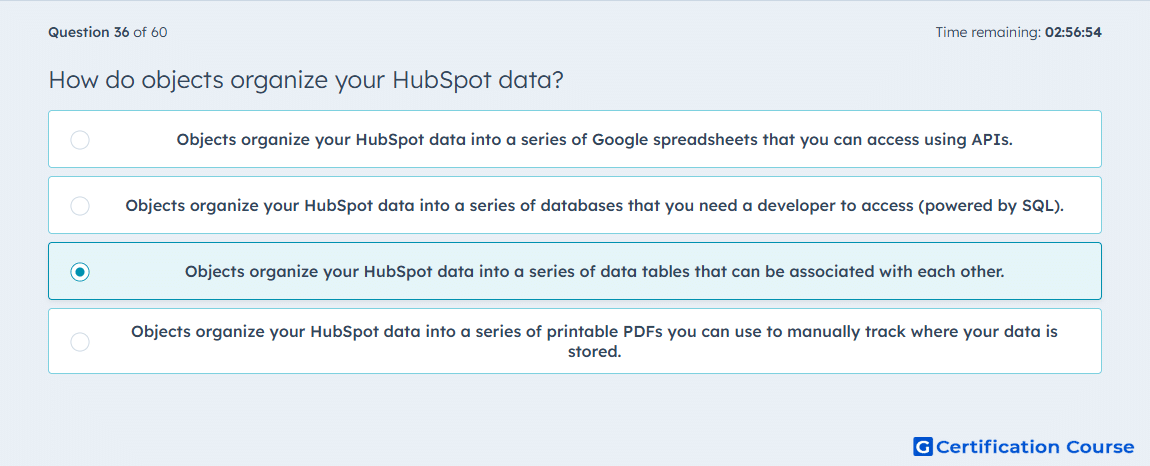
Question: How do objects organize your HubSpot data?
- Objects organize your HubSpot data into a series of Google spreadsheets that you can access using APIs.
- Objects organize your HubSpot data into a series of databases that you need a developer to access (powered by SQL).
- Objects organize your HubSpot data into a series of data tables that can be associated with each other.
- Objects organize your HubSpot data into a series of printable PDFs you can use to manually track where your data is stored.
Explanation
Objects in HubSpot organize data into structured data tables that can be associated with each other, such as Contacts, Companies, Deals, and Tickets. These associations allow tracking relationships and interactions across different records. HubSpot uses objects to enable reporting, segmentation, and workflow automation based on connected data. Structured objects provide a scalable framework for managing CRM and marketing data efficiently.
Why the other options are incorrect
Option A incorrectly describes spreadsheets, not HubSpot objects.
Option B suggests SQL databases requiring developer access, which is not necessary.
Option D describes PDFs, which are static and unrelated to data organization.
Source for verification
HubSpot Objects
The answer(s) to the question is highlighted in the BOLD text above. You can also find more questions and answers related to the exams on the "HubSpot Reporting" page.