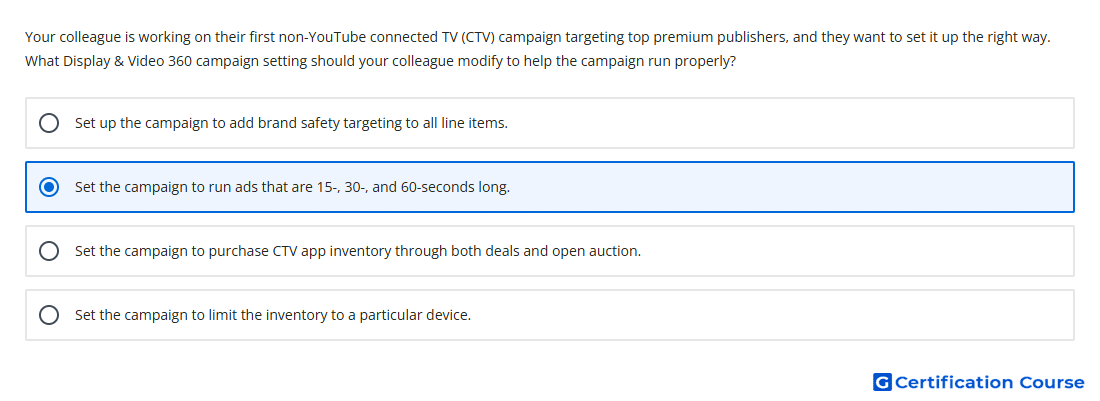
Question: Your colleague is working on their first non-YouTube connected TV (CTV) campaign targeting top premium publishers, and they want to set it up the right way. What Display & Video 360 campaign setting should your colleague modify to help the campaign run properly?
- Set the campaign to run ads that are 15-, 30-, and 60-seconds long.
- Set up the campaign to add brand safety targeting to all line items.
- Set the campaign to limit the inventory to a particular device.
- Set the campaign to purchase CTV app inventory through both deals and open auction.
Explanation
For non-YouTube Connected TV campaigns, creative eligibility depends on matching the video assets to publisher-supported ad slot durations. Premium CTV publishers commonly define inventory by accepted video length, so incompatible assets can limit delivery. Video creatives should be prepared in standard CTV durations to help the line item access eligible inventory. This setup supports proper serving across premium publisher CTV placements.
Why the other options are incorrect
Deals and open auction is incorrect because premium non-YouTube CTV buying is typically handled through deals, not broad open auction access.
Device limitation is too narrow because CTV inventory eligibility also depends on creative requirements.
Brand safety targeting helps protect placement quality but does not solve creative-duration eligibility.
Source for verification
https://support.google.com/displayvideo/answer/3129957
The answer(s) to the question is highlighted in the BOLD text above. You can also find more questions and answers related to the exams on the "Display & Video 360" page.