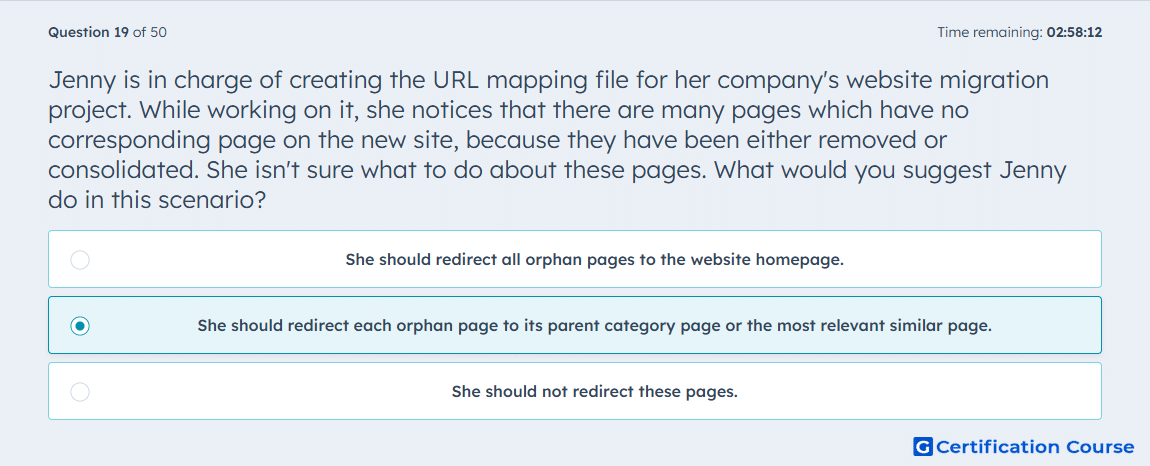
Question: Jenny is in charge of creating the URL mapping file for her company's website migration project. While working on it, she notices that there are many pages which have no corresponding page on the new site, because they have been either removed or consolidated. She isn't sure what to do about these pages. What would you suggest Jenny do in this scenario?
- She should redirect all orphan pages to the website homepage.
- She should redirect each orphan page to its parent category page or the most relevant similar page.
- She should not redirect these pages.
Explanation
Redirecting orphan pages to the most relevant category or similar page preserves link authority and maintains user experience. This approach prevents traffic loss and minimizes 404 errors, which can negatively impact search rankings. It ensures that SEO value from inbound links is transferred to content that remains live. Redirecting to related pages supports both crawl efficiency and continued relevance for users.
Why the other options are incorrect
A) Redirecting all orphan pages to the homepage creates a poor user experience and may dilute SEO equity.
C) Leaving orphan pages without redirects results in 404 errors and lost ranking opportunities.
Source for verification
HubSpot Academy: SEO Redirects
The answer(s) to the question is highlighted in the BOLD text above. You can also find more questions and answers related to the exams on the "HubSpot SEO II" page.