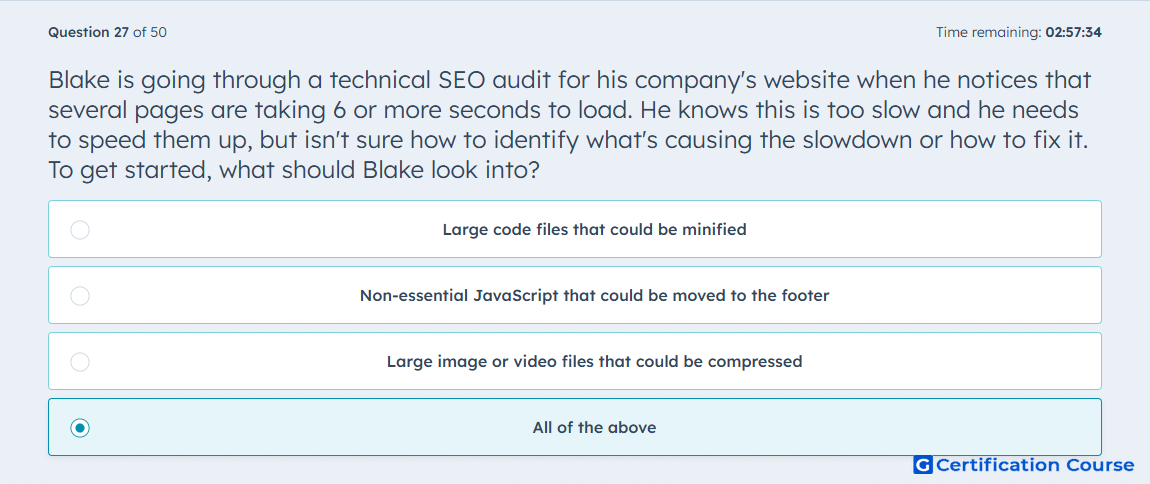
Question: Blake is going through a technical SEO audit for his company's website when he notices that several pages are taking 6 or more seconds to load. He knows this is too slow and he needs to speed them up, but isn't sure how to identify what's causing the slowdown or how to fix it. To get started, what should Blake look into?
- Large code files that could be minified
- Non-essential JavaScript that could be moved to the footer
- Large image or video files that could be compressed
- All of the above
Explanation
Page speed issues can stem from multiple sources, including large code files, unoptimized JavaScript, and oversized images or videos. Minifying code reduces file size and speeds up load times. Moving non-essential JavaScript to the footer allows critical content to load first. Compressing media files decreases bandwidth usage and improves user experience and SEO performance. Addressing all these factors optimizes page speed holistically.
Why the other options are incorrect
All individual options contribute to page speed issues, so none alone fully resolves the problem.
Source for verification
HubSpot Academy: Technical SEO Audit
The answer(s) to the question is highlighted in the BOLD text above. You can also find more questions and answers related to the exams on the "HubSpot SEO II" page.