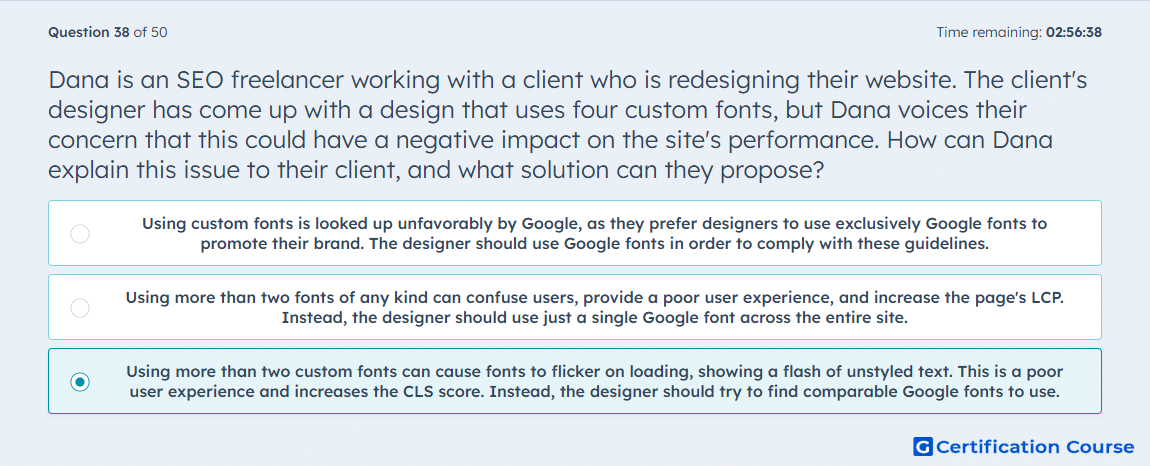
Question: Dana is an SEO freelancer working with a client who is redesigning their website. The client's designer has come up with a design that uses four custom fonts, but Dana voices their concern that this could have a negative impact on the site's performance. How can Dana explain this issue to their client, and what solution can they propose?
- Using custom fonts is looked up unfavorably by Google, as they prefer designers to use exclusively Google fonts to promote their brand. The designer should use Google fonts in order to comply with these guidelines.
- Using more than two fonts of any kind can confuse users, provide a poor user experience, and increase the page's LCP. Instead, the designer should use just a single Google font across the entire site.
- Using more than two custom fonts can cause fonts to flicker on loading, showing a flash of unstyled text. This is a poor user experience and increases the CLS score. Instead, the designer should try to find comparable Google fonts to use.
Explanation
Using multiple custom fonts can trigger a flash of unstyled text (FOUT) or layout shifts during loading, increasing Cumulative Layout Shift (CLS). This negatively affects visual stability and user experience, which are part of Page Experience signals. Proposing comparable Google fonts reduces load time and ensures predictable rendering. Optimizing font usage maintains both performance and SEO metrics.
Why the other options are incorrect
A) Google does not penalize sites for using non-Google fonts; brand promotion is not a ranking factor.
B) Excessive fonts impact CLS rather than Largest Contentful Paint (LCP), and using only one font is unnecessarily restrictive.
Source for verification
HubSpot Academy: Core Web Vitals and Page Experience
The answer(s) to the question is highlighted in the BOLD text above. You can also find more questions and answers related to the exams on the "HubSpot SEO II" page.