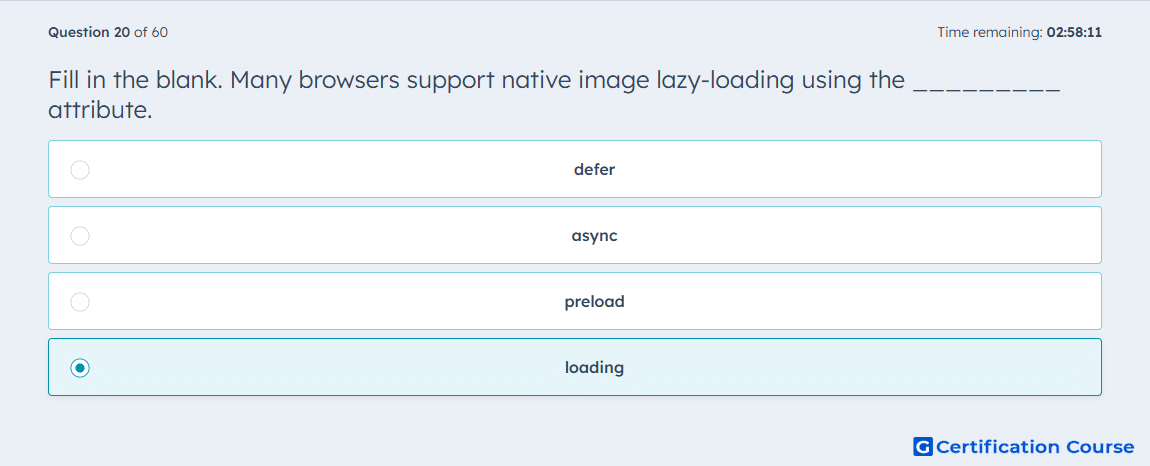
Question: Fill in the blank. Many browsers support native image lazy-loading using the _________ attribute.
- defer
- async
- preload
- loading
Explanation
HubSpot documents browser-based lazy loading for images through the loading attribute on the img element. Setting that attribute allows the browser to defer fetching offscreen images until they are closer to view. HubSpot’s changelog also states that the loading attribute tells browsers to use browser-based lazy loading of assets. That makes it the native image-loading control rather than a script-loading or resource-priority setting. HubSpot Developers+2HubSpot Developers+2
Why the other options are incorrect
defer is used with JavaScript loading behavior, so it does not control native lazy-loading for images. HubSpot Developers+1
async is documented by HubSpot for JavaScript and asynchronous CSS loading, not as the native lazy-loading attribute for img elements. HubSpot Developers+2HubSpot Developers+2
preload is a resource-priority hint, while HubSpot’s image lazy-loading documentation identifies loading as the browser-based mechanism for delaying image fetches. HubSpot Developers+1
Source for verification
https://developers.hubspot.com/docs/cms/best-practices/testing-staging-performance/lazy-loading
https://developers.hubspot.com/changelog/hubl-updates-for-speed-enhancement
The answer(s) to the question is highlighted in the BOLD text above. You can also find more questions and answers related to the exams on the "HubSpot CMS for Developers II" page.