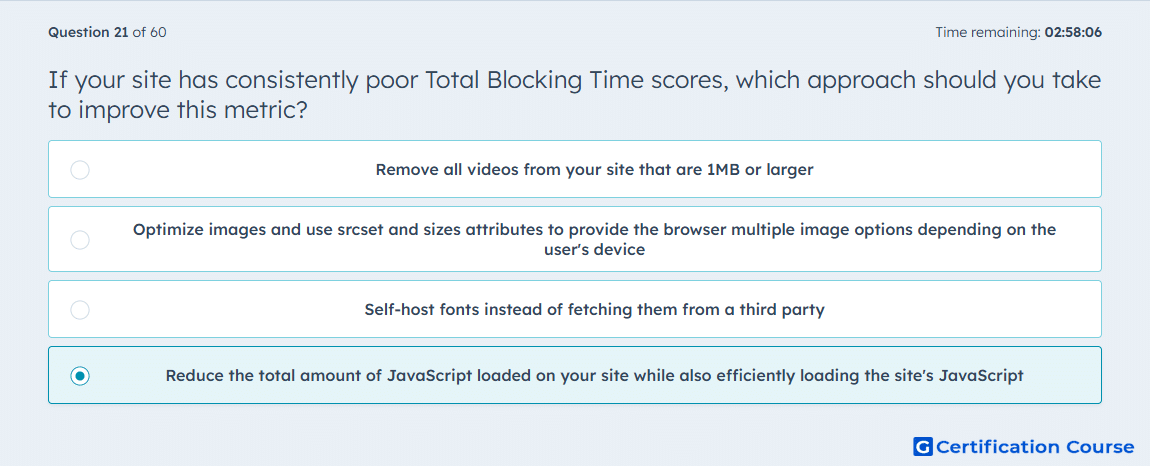
Question: If your site has consistently poor Total Blocking Time scores, which approach should you take to improve this metric?
- Remove all videos from your site that are 1MB or larger
- Optimize images and use srcset and sizes attributes to provide the browser multiple image options depending on the user's device
- Self-host fonts instead of fetching them from a third party
- Reduce the total amount of JavaScript loaded on your site while also efficiently loading the site's JavaScript
Explanation
Poor Total Blocking Time usually points to too much JavaScript work on the main thread, which delays the browser from responding quickly after the page starts rendering. HubSpot’s performance guidance says that loading a lot of JavaScript increases file size and the time needed to render interactive elements, especially when it is loaded inefficiently. HubSpot specifically recommends loading JavaScript only when necessary, placing it to avoid render blocking, and using async or defer where appropriate. It also recommends reducing unnecessary libraries and plugins, because smaller and more efficient JavaScript lowers the amount of blocking work during rendering. HubSpot Developers
Why the other options are incorrect
A) Remove all videos from your site that are 1MB or larger targets media weight, but HubSpot’s JavaScript guidance connects blocking problems to script execution rather than to video size alone. HubSpot Developers
B) Optimize images and use srcset and sizes attributes to provide the browser multiple image options depending on the user's device mainly improves image delivery and layout efficiency, not the JavaScript main-thread work that drives Total Blocking Time. HubSpot Developers
C) Self-host fonts instead of fetching them from a third party can affect asset delivery, but HubSpot’s recommendations for this issue focus on reducing and efficiently loading JavaScript. HubSpot Developers
Source for verification
HubSpot Developer Documentation: Optimizing your HubSpot CMS site for speed HubSpot Developers
The answer(s) to the question is highlighted in the BOLD text above. You can also find more questions and answers related to the exams on the "HubSpot CMS for Developers II" page.