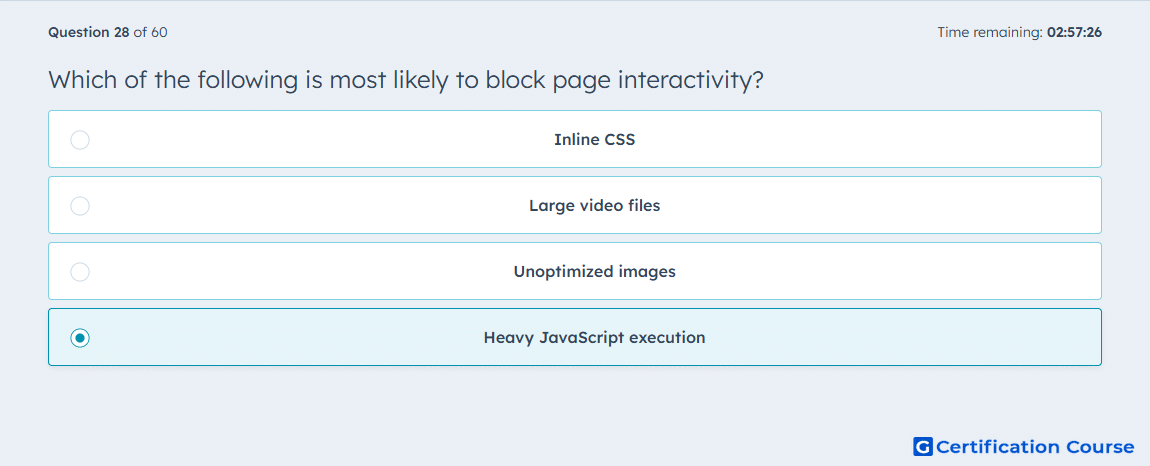
Question: Which of the following is most likely to block page interactivity?
- Inline CSS
- Large video files
- Unoptimized images
- Heavy JavaScript execution
Explanation
Excessive JavaScript work is the most likely cause because HubSpot states that loading a lot of JS increases the time it takes for the browser to render interactive elements. JavaScript can also be render-blocking when loaded improperly, and it runs on the visitor’s device, so long tasks can delay the page’s response to input. HubSpot recommends reducing unnecessary JS, loading it only when needed, and using async or defer to improve performance. That guidance directly addresses delayed interactivity and poor Total Blocking Time behavior. HubSpot Developers
Why the other options are incorrect
Inline CSS mainly affects style delivery and rendering, but HubSpot ties blocked interactivity more directly to JavaScript loading and execution. HubSpot Developers
Large video files primarily affect media loading and processing cost, not the main-thread script work that most directly delays user interaction. HubSpot Developers
Unoptimized images mainly affect loading performance and layout stability, not the execution delays that block input handling. HubSpot Developers
Source for verification
The answer(s) to the question is highlighted in the BOLD text above. You can also find more questions and answers related to the exams on the "HubSpot CMS for Developers II" page.