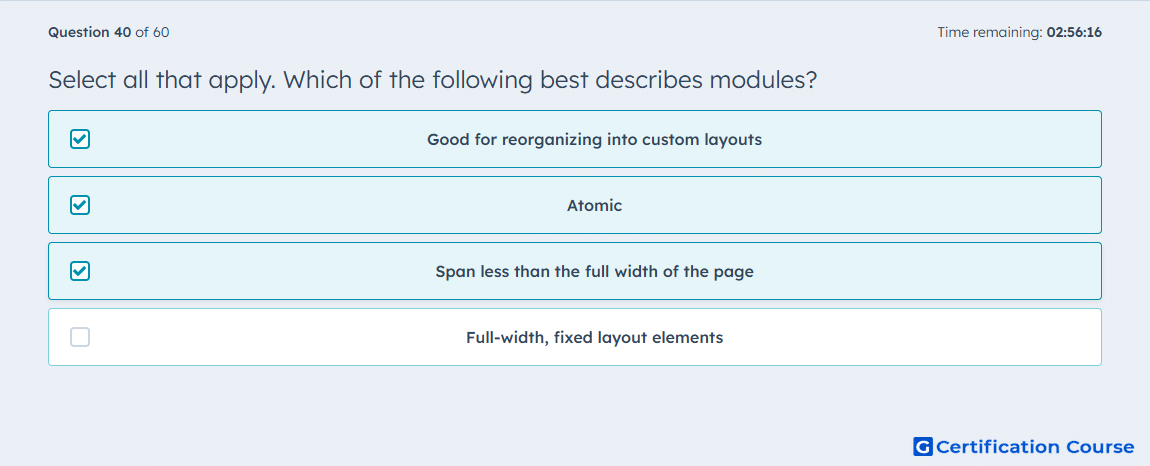
Question: Select all that apply. Which of the following best describes modules?
- Good for reorganizing into custom layouts
- Atomic
- Span less than the full width of the page
- Full-width, fixed layout elements
Explanation
HubSpot describes modules as reusable building blocks that are placed inside drag and drop rows and sections, which is why they are treated as atomic page components. Modules added in drag and drop areas can be moved, removed, and arranged around other modules in the content editor, so they work well for reorganizing custom layouts. HubSpot also states that modules are columns, which allows multiple modules to appear side by side horizontally instead of always taking the full page width. That makes modules flexible content units rather than fixed full-width structural wrappers. HubSpot Developers+1
Why the other options are incorrect
Full-width, fixed layout elements describes sections more closely, because HubSpot says sections are dropped into full-width zones and fixed-layout sections are used to control larger page structure. HubSpot Developers+1
Source for verification
https://developers.hubspot.com/docs/cms/start-building/building-blocks/drag-and-drop/overview
https://developers.hubspot.com/docs/cms/reference/modules/using-modules-in-templates
The answer(s) to the question is highlighted in the BOLD text above. You can also find more questions and answers related to the exams on the "HubSpot CMS for Developers II" page.