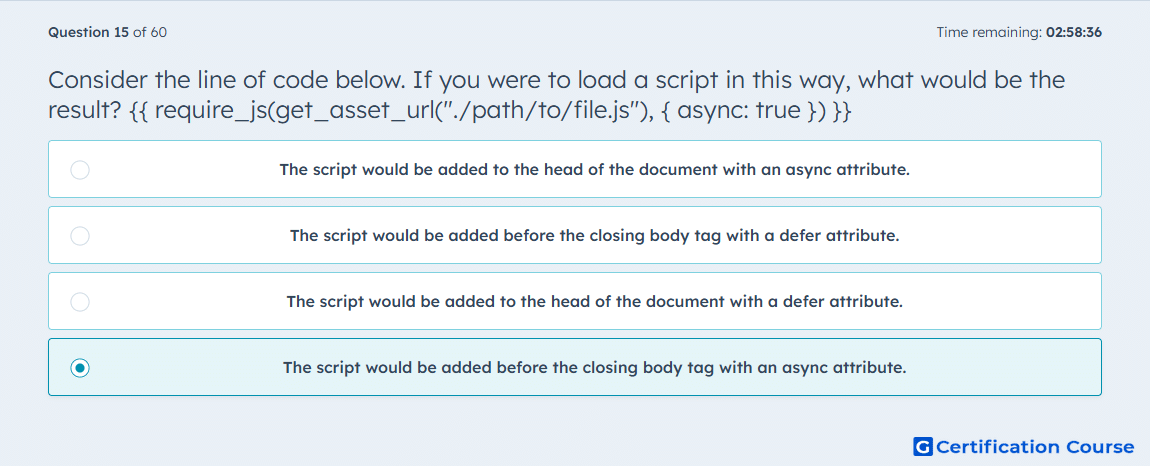
Question: Consider the line of code below. If you were to load a script in this way, what would be the result? {{ require_js(get_asset_url("./path/to/file.js"), { async: true }) }}
- The script would be added to the head of the document with an async attribute.
- The script would be added before the closing body tag with a defer attribute.
- The script would be added to the head of the document with a defer attribute.
- The script would be added before the closing body tag with an async attribute.
Explanation
With require_js, HubSpot renders the script in the footer unless a different position is specified. The options object can add HTML script attributes, and async is one of the documented render options. Because only async: true is provided here, the script keeps the default footer placement and receives the async attribute. That combination makes the script load before the closing body tag rather than in the head. HubSpot Developers+1
Why the other options are incorrect
A) This is incorrect because the script would only go in the head if position: 'head' were explicitly set. HubSpot Developers
B) This is incorrect because the code uses async, not defer, and HubSpot documents them as separate render options. HubSpot Developers
C) This is incorrect because it changes both the placement and the attribute from what the function call actually specifies. HubSpot Developers+1
Source for verification
https://developers.hubspot.com/docs/cms/reference/hubl/functions
The answer(s) to the question is highlighted in the BOLD text above. You can also find more questions and answers related to the exams on the "HubSpot CMS for Developers II" page.