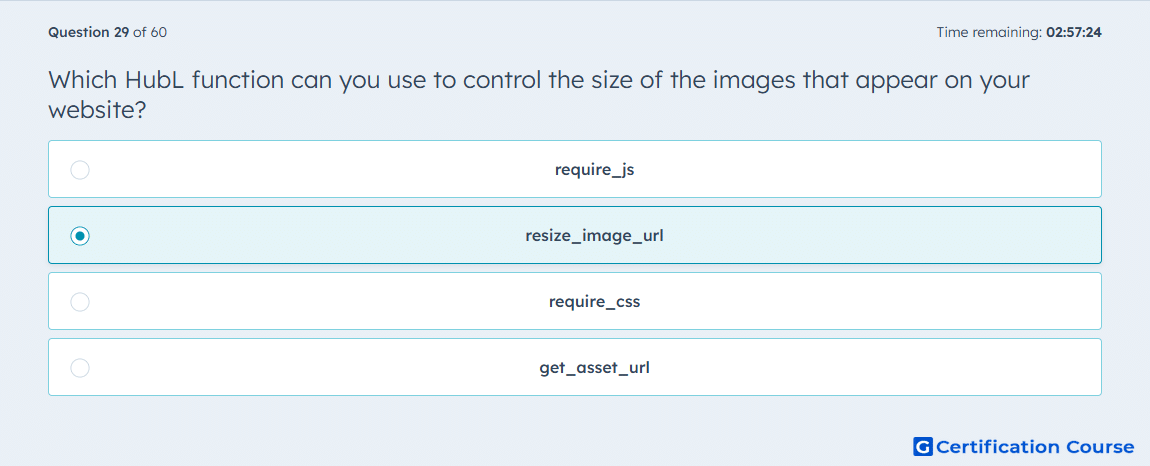
Question: Which HubL function can you use to control the size of the images that appear on your website?
- require_js
- resize_image_url
- require_css
- get_asset_url
Explanation
HubSpot provides resize_image_url to generate an image URL at a specific size before the asset is delivered to the browser. This is the platform function used when image dimensions need to be controlled in templates or modules rather than relying only on the original uploaded file. HubSpot’s performance guidance also recommends it for serving appropriately sized images and for generating alternate image sizes when needed. That makes it the correct HubL function for controlling rendered image size. HubSpot Developers+1
Why the other options are incorrect
require_js loads JavaScript assets, so it is unrelated to image sizing. HubSpot Developers
require_css loads CSS assets, so it does not modify image dimensions or output resized image URLs. HubSpot Developers
get_asset_url returns an asset path, but it does not perform image resizing. HubSpot Developers
Source for verification
https://developers.hubspot.com/docs/cms/reference/hubl/functions
https://developers.hubspot.com/docs/cms/best-practices/testing-staging-performance/speed
The answer(s) to the question is highlighted in the BOLD text above. You can also find more questions and answers related to the exams on the "HubSpot CMS for Developers II" page.