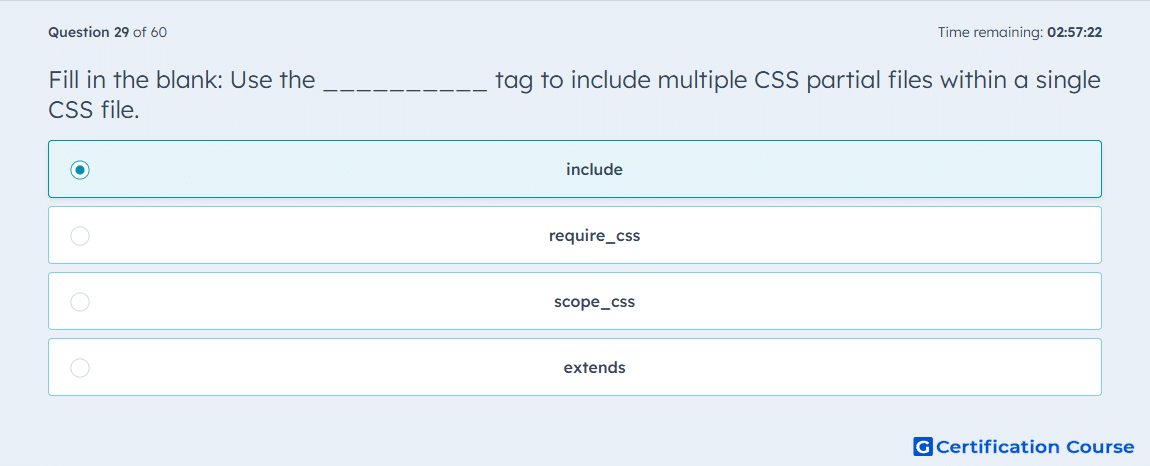
Question: Fill in the blank: Use the __________ tag to include multiple CSS partial files within a single CSS file.
- include
- require_css
- scope_css
- extends
Explanation
In HubSpot, include is the tag used to pull one coded file into another, and HubSpot specifically notes that HubL includes can combine multiple CSS files into one file for better performance. A CSS + HubL file can therefore reference smaller CSS partials while still producing a single combined stylesheet output. This matches HubSpot’s use of partials, which are reusable coded files included inside other coded files. The other choices serve different purposes related to loading, scoping, or template inheritance rather than combining CSS partials. HubSpot Developers+2HubSpot Developers+2
Why the other options are incorrect
require_css adds a stylesheet to a page or template, but it is not the tag used to assemble multiple CSS partials inside one CSS file. HubSpot Developers+1
scope_css scopes styles to a specific module instance, so it controls CSS reach instead of importing partial files. HubSpot Developers
extends is used for parent-child template inheritance, not for including CSS partial files within a single stylesheet. HubSpot Developers+1
Source for verification
https://developers.hubspot.com/docs/cms/start-building/building-blocks/templates/html-hubl-templates
https://developers.hubspot.com/docs/cms/best-practices/testing-staging-performance/overview
The answer(s) to the question is highlighted in the BOLD text above. You can also find more questions and answers related to the exams on the "HubSpot CMS for Developers II" page.