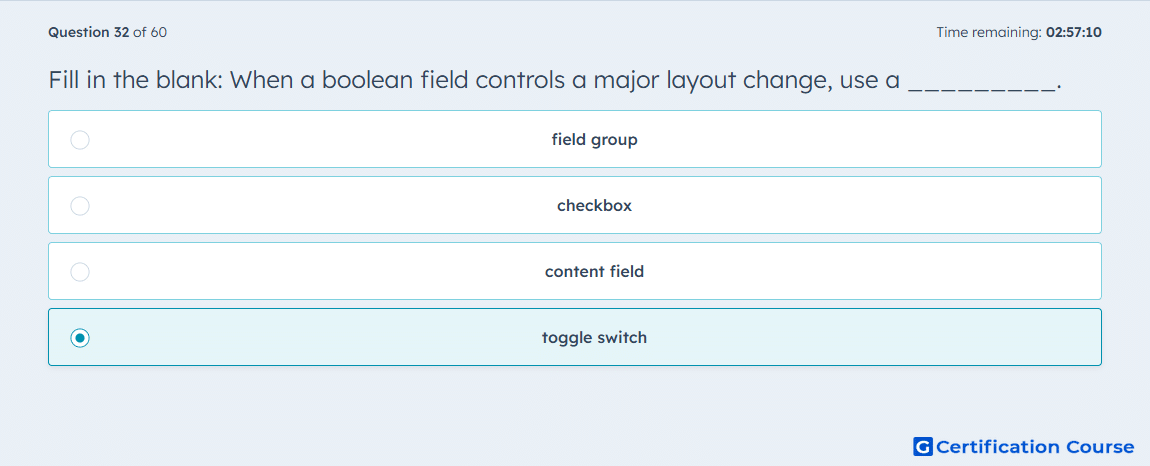
Question: Fill in the blank: When a boolean field controls a major layout change, use a _________.
- field group
- checkbox
- content field
- toggle switch
Explanation
HubSpot’s field guidance says a boolean should use a toggle when it controls a major design or layout option. A toggle makes the larger visual change more obvious in the editor than a standard checkbox. HubSpot contrasts this with smaller display changes, which are better suited to a checkbox. Because the field here controls a major layout change, the correct control type is a toggle. HubSpot Developers+2HubSpot Developers+2
Why the other options are incorrect
field group organizes related fields, but it is not the boolean display control HubSpot recommends for a major layout change. HubSpot Developers+1
checkbox is used for smaller changes that do not have as drastic an effect on the module’s display. HubSpot Developers+1
content field is not the boolean display type HubSpot documents for this behavior. HubSpot Developers+1
Source for verification
https://developers.hubspot.com/docs/cms/best-practices/content-editing/fields
https://developers.hubspot.com/docs/cms/reference/fields/module-theme-fields
The answer(s) to the question is highlighted in the BOLD text above. You can also find more questions and answers related to the exams on the "HubSpot CMS for Developers II" page.