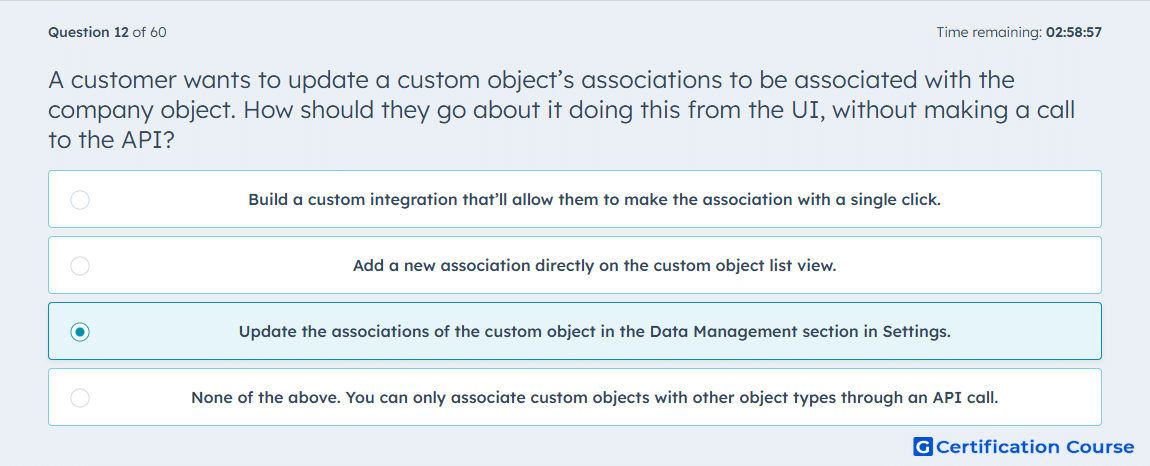
Question: A customer wants to update a custom object’s associations to be associated with the company object. How should they go about it doing this from the UI, without making a call to the API?
- Build a custom integration that’ll allow them to make the association with a single click.
- Add a new association directly on the custom object list view.
- Update the associations of the custom object in the Data Management section in Settings.
- None of the above. You can only associate custom objects with other object types through an API call.
Explanation
Custom object associations can be managed from HubSpot settings when the user needs to connect a custom object with a standard CRM object. The relevant configuration is handled in the Data Management area, where object relationships can be edited without using the API. This is different from updating individual records because the change defines the association structure between object types. The UI path is appropriate when the required association is supported by HubSpot’s object settings. API calls are only needed when the task requires programmatic control or unsupported UI operations.
Why the other options are incorrect
Custom integration This adds unnecessary development work for a configuration that can be handled in settings.
Custom object list view This area is used for viewing records, not configuring object-type associations.
None of the above This is incorrect because HubSpot supports configuring custom object associations from the UI.
Source for verification
https://knowledge.hubspot.com/object-settings/create-custom-objects
The answer(s) to the question is highlighted in the BOLD text above. You can also find more questions and answers related to the exams on the "Integrating With HubSpot I: Foundations" page.