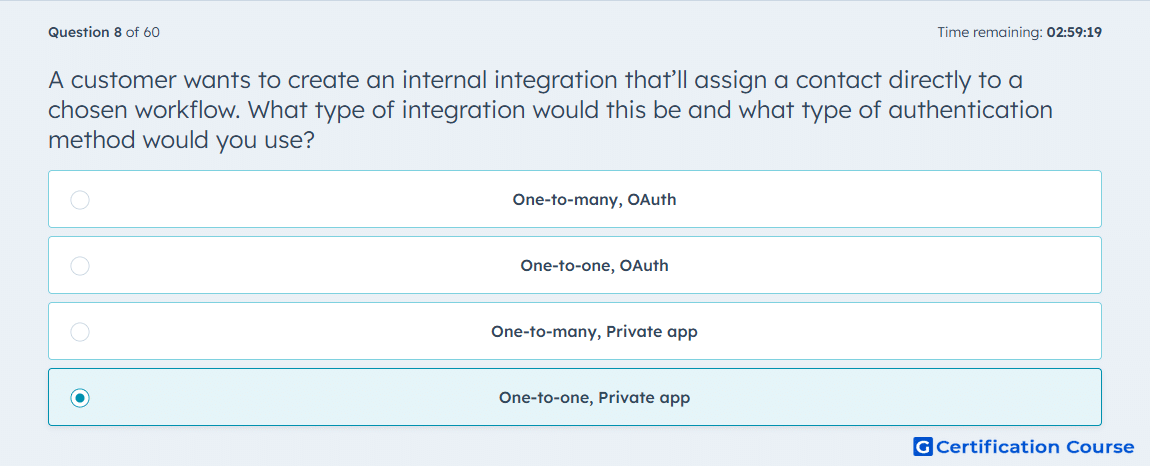
Question: A customer wants to create an internal integration that’ll assign a contact directly to a chosen workflow. What type of integration would this be and what type of authentication method would you use?
- One-to-many, OAuth
- One-to-one, OAuth
- One-to-many, Private app
- One-to-one, Private app
Explanation
An internal integration for a single HubSpot account fits an account-specific setup. A private app is used when the integration only needs access to one account and does not need public installation by multiple accounts. OAuth is more appropriate for apps distributed across multiple HubSpot accounts. Enrolling contacts into workflows through an internal tool requires authenticated access with the correct scopes. The integration model should match the account reach and installation need.
Why the other options are incorrect
One-to-many, OAuth This is incorrect because the use case is internal to one account, not distributed across multiple accounts.
One-to-one, OAuth This is incorrect because OAuth is unnecessary when a private internal app can handle the single-account use case.
One-to-many, Private app This is incorrect because private apps are not designed for multi-account distribution.
Source for verification
https://developers.hubspot.com/docs/apps/legacy-apps/private-apps/overview
https://developers.hubspot.com/docs/apps/legacy-apps/authentication/intro-to-auth
The answer(s) to the question is highlighted in the BOLD text above. You can also find more questions and answers related to the exams on the "Integrating With HubSpot I: Foundations" page.