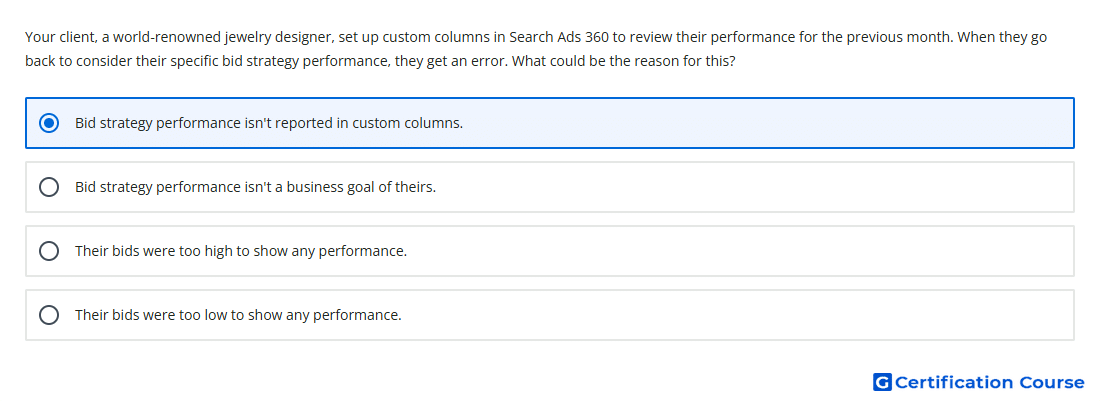
Question: Your client, a world-renowned jewelry designer, set up custom columns in Search Ads 360 to review their performance for the previous month. When they go back to consider their specific bid strategy performance, they get an error. What could be the reason for this?
- Their bids were too low to show any performance.
- Their bids were too high to show any performance.
- Bid strategy performance isn't a business goal of theirs.
- Bid strategy performance isn't reported in custom columns.
Explanation
Custom columns in Search Ads 360 are used to create formula-based reporting columns from supported metrics and conversion data. Bid strategy performance is not reported through custom columns, so selecting that type of performance view can trigger an error. Bid strategy results must be reviewed in supported bid strategy reporting areas instead. The issue comes from reporting compatibility, not from the actual bid amounts.
Why the other options are incorrect
Bids too low is incorrect because bid amount does not determine whether bid strategy performance can appear in custom columns.
Business goal is incorrect because reporting availability is based on Search Ads 360 feature support, not business objective selection.
Bids too high is incorrect because high bid levels do not block bid strategy performance from being reported.
Source for verification
https://support.google.com/sa360/answer/9633916?hl=en
The answer(s) to the question is highlighted in the BOLD text above. You can also find more questions and answers related to the exams on the "Search Ads 360" page.