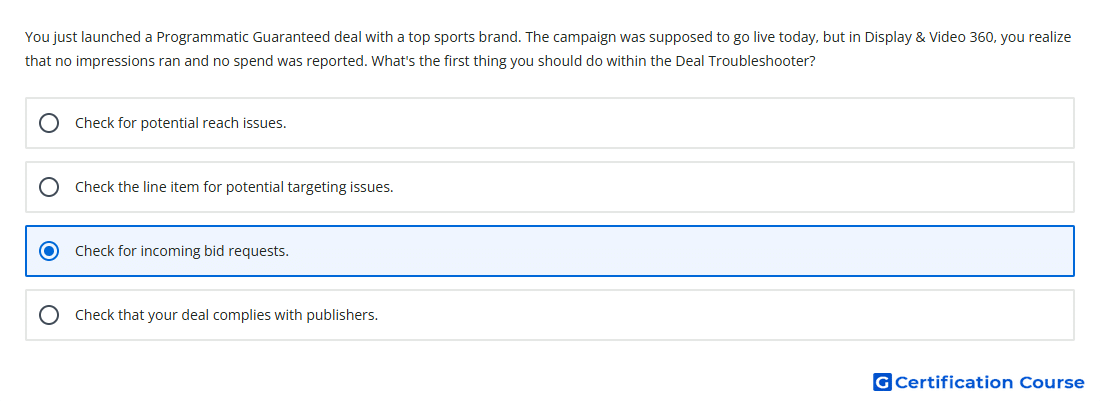
Question: You just launched a Programmatic Guaranteed deal with a top sports brand. The campaign was supposed to go live today, but in Display & Video 360, you realize that no impressions ran and no spend was reported. What's the first thing you should do within the Deal Troubleshooter?
- Check for incoming bid requests.
- Check for potential reach issues.
- Check the line item for potential targeting issues.
- Check that your deal complies with publishers.
Explanation
Deal Troubleshooter should first be used to confirm whether the deal is receiving incoming bid requests. If no requests are available, Display & Video 360 has no impression opportunities to evaluate, bid on, or win. This check separates supply-side availability problems from line item setup problems. Once available requests are confirmed, the remaining troubleshooting steps can examine targeting, creatives, bids, budgets, pacing, and frequency.
Why the other options are incorrect
Reach issues should be reviewed after confirming that request volume exists.
Publisher compliance is not the first diagnostic step inside Deal Troubleshooter.
Targeting issues can explain filtered requests, but only after incoming bid requests are present.
Source for verification
https://support.google.com/displayvideo/answer/6292894
The answer(s) to the question is highlighted in the BOLD text above. You can also find more questions and answers related to the exams on the "Display & Video 360" page.