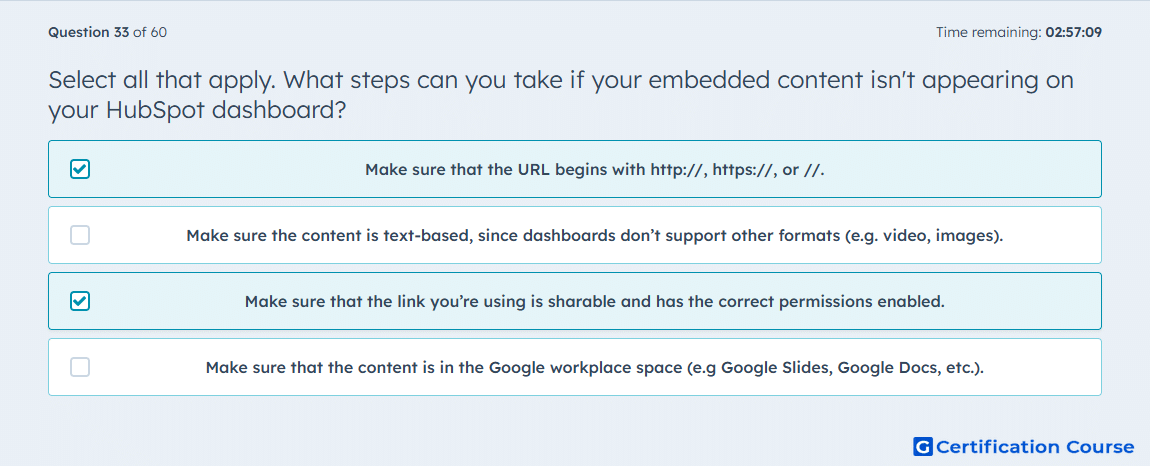
Question: Select all that apply. What steps can you take if your embedded content isn't appearing on your HubSpot dashboard?
- Make sure that the URL begins with http://, https://, or //.
- Make sure the content is text-based, since dashboards don’t support other formats (e.g. video, images).
- Make sure that the link you’re using is sharable and has the correct permissions enabled.
- Make sure that the content is in the Google workplace space (e.g Google Slides, Google Docs, etc.).
Explanation
Embedded content on a HubSpot dashboard requires a properly formatted URL beginning with http://, https://, or // to be recognized and rendered. Additionally, the link must be sharable with the correct permissions, ensuring HubSpot can access the content. These steps ensure that the dashboard can securely display external content and avoid access or rendering errors. Following these requirements allows seamless integration of external resources into HubSpot dashboards.
Why the other options are incorrect
Option B is incorrect because HubSpot dashboards support multiple content formats, not just text.
Option D is incorrect because content does not need to reside specifically in Google Workspace; any accessible URL with correct permissions works.
Source for verification
HubSpot Dashboards
The answer(s) to the question is highlighted in the BOLD text above. You can also find more questions and answers related to the exams on the "HubSpot Reporting" page.