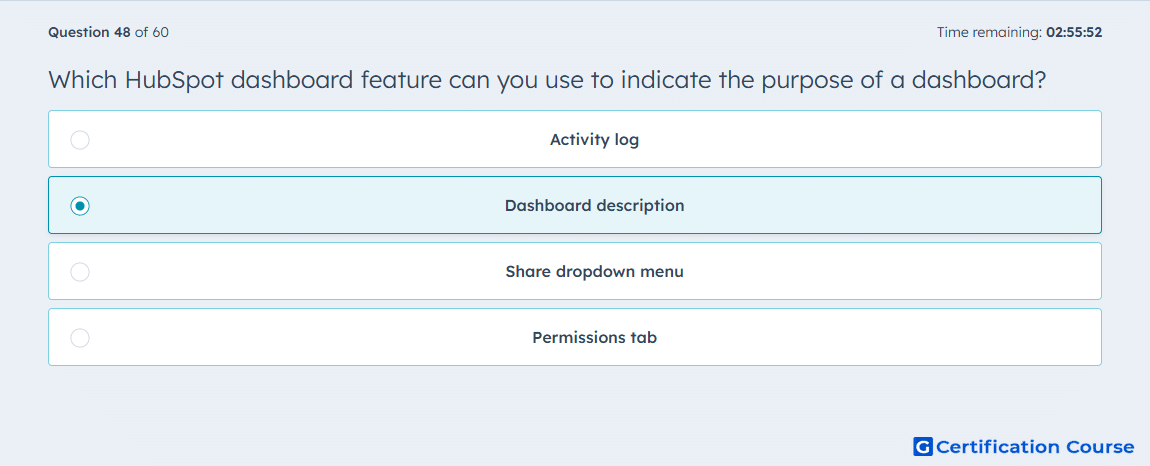
Question: Which HubSpot dashboard feature can you use to indicate the purpose of a dashboard?
- Activity log
- Dashboard description
- Share dropdown menu
- Permissions tab
Explanation
The dashboard description feature in HubSpot allows you to indicate the purpose or intent of a dashboard. It provides context for viewers, explaining what metrics and reports are included and how the dashboard should be used. This improves clarity, ensures alignment among team members, and helps stakeholders interpret the data accurately. HubSpot displays the description alongside the dashboard for easy reference.
Why the other options are incorrect
Activity log tracks changes and edits but does not describe purpose.
Share dropdown menu controls who can access the dashboard, not its intent.
Permissions tab manages visibility and editing rights, not explanatory context.
Source for verification
HubSpot Dashboards
The answer(s) to the question is highlighted in the BOLD text above. You can also find more questions and answers related to the exams on the "HubSpot Reporting" page.