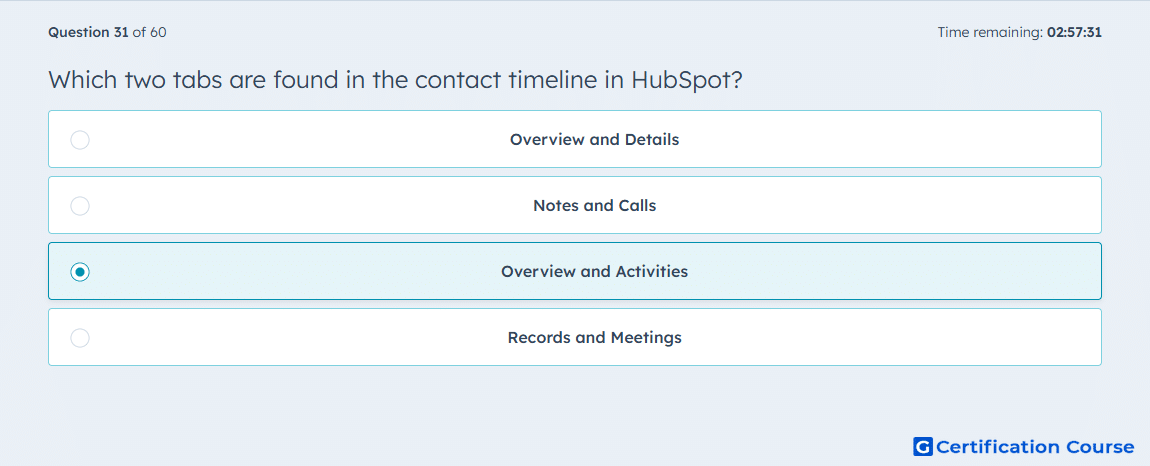
Question: Which two tabs are found in the contact timeline in HubSpot?
- Overview and Details
- Notes and Calls
- Overview and Activities
- Records and Meetings
Explanation
The contact timeline in HubSpot includes Overview and Activities tabs. The Overview tab provides a summary of key contact information and properties. The Activities tab displays all logged interactions, including calls, emails, meetings, tasks, and notes. This structure allows sales teams to quickly assess engagement history and plan next steps. It ensures all contact interactions are visible in a chronological, organized manner.
Why the other options are incorrect
Overview and Details is incorrect because there is no separate Details tab on the timeline.
Notes and Calls is incorrect because these are types of activities, not separate tabs.
Records and Meetings is incorrect because the timeline does not contain these as primary tabs.
Source for verification
HubSpot Knowledge Base – View contact records
The answer(s) to the question is highlighted in the BOLD text above. You can also find more questions and answers related to the exams on the "HubSpot Sales Hub Software" page.