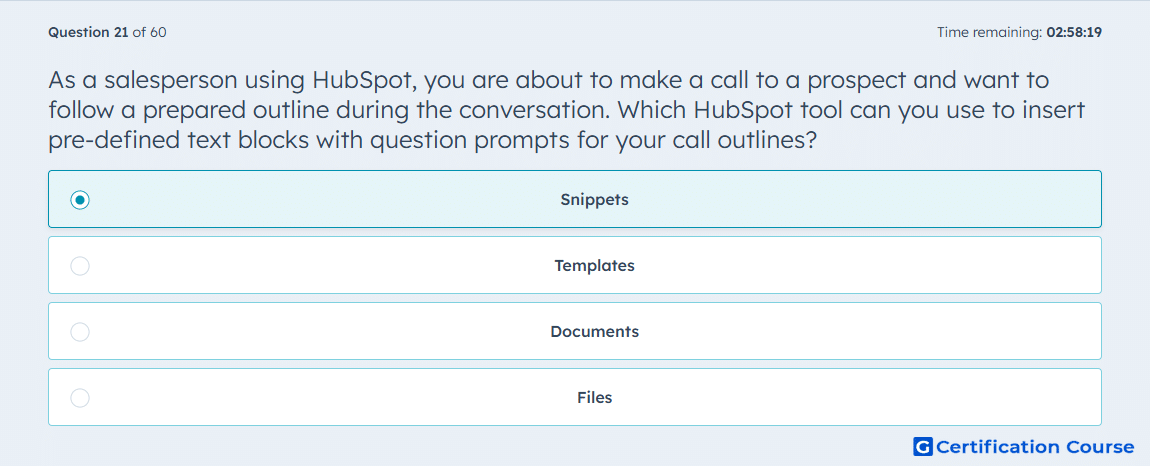
Question: As a salesperson using HubSpot, you are about to make a call to a prospect and want to follow a prepared outline during the conversation. Which HubSpot tool can you use to insert pre-defined text blocks with question prompts for your call outlines?
- Files
- Templates
- Snippets
- Documents
Explanation
Snippets in HubSpot allow salespeople to insert pre-defined text blocks into call notes or emails, including question prompts for structured conversations. They streamline the process of following a prepared outline during calls. Snippets can be personalized with HubSpot tokens to maintain relevance to the specific prospect. Using snippets ensures consistency in messaging while saving time during live interactions.
Why the other options are incorrect
Files store documents or media, not reusable text blocks for calls.
Templates are primarily for emails, not call outlines.
Documents are for sharing full-length files, not inserting structured text prompts.
Source for verification
HubSpot Knowledge Base – Create and use snippets
The answer(s) to the question is highlighted in the BOLD text above. You can also find more questions and answers related to the exams on the "HubSpot Sales Hub Software" page.