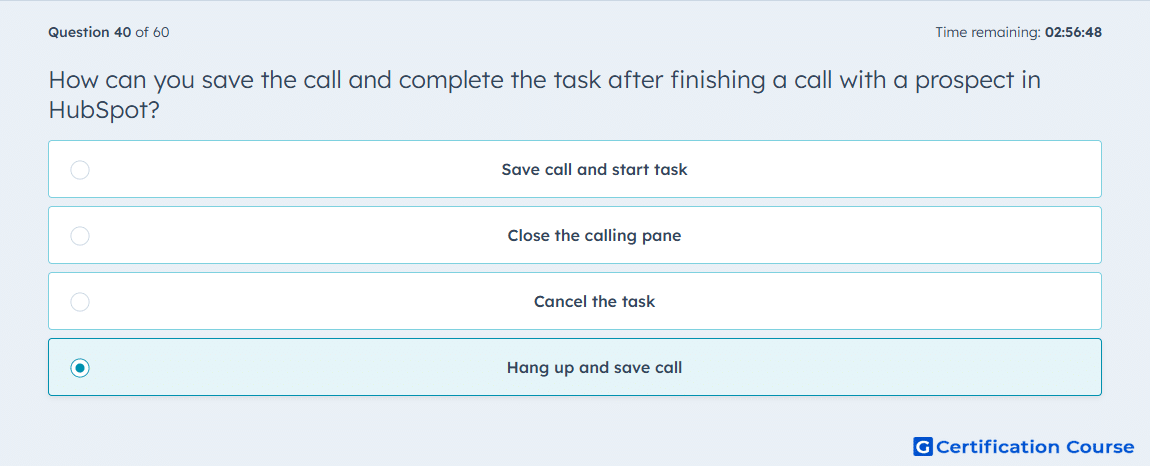
Question: How can you save the call and complete the task after finishing a call with a prospect in HubSpot?
- Hang up and save call
- Close the calling pane
- Save call and start task
- Cancel the task
Explanation
In HubSpot, after completing a call with a prospect, selecting Hang up and save call records the call details in the CRM and marks the associated task as complete. This ensures the interaction is logged on the contact record with call notes, duration, and outcome. Saving the call maintains accurate activity tracking and supports follow-up planning. The action integrates with tasks and timelines for visibility across the sales team.
Why the other options are incorrect
Close the calling pane does not save call details or complete the task.
Save call and start task is incorrect because it initiates a new task rather than completing the current one.
Cancel the task removes the task without saving the call, losing the interaction record.
Source for verification
HubSpot Knowledge Base – Make calls and log activity
The answer(s) to the question is highlighted in the BOLD text above. You can also find more questions and answers related to the exams on the "HubSpot Sales Hub Software" page.